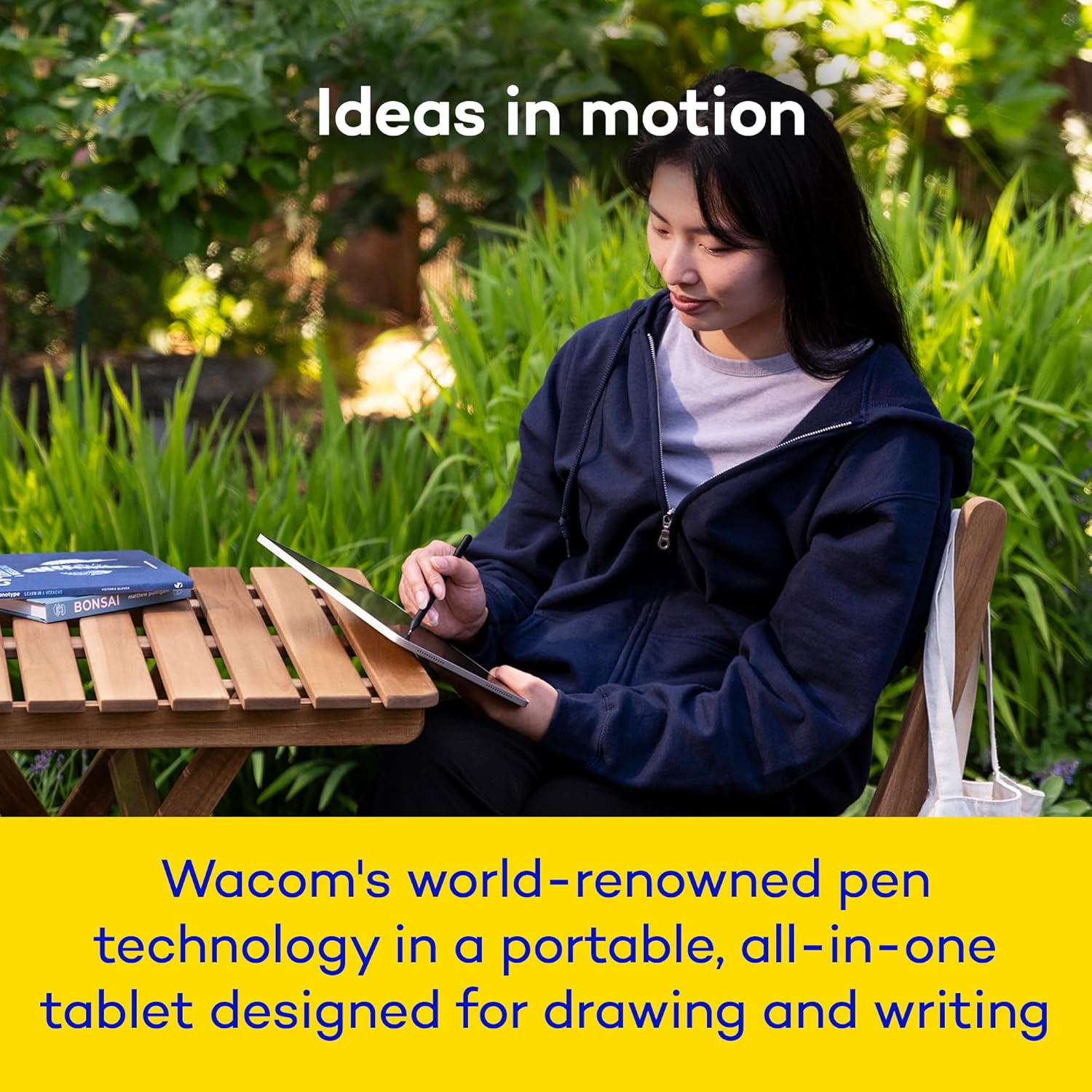
I’ve been using the Movinkpad 11 for a few days, and the hardware is seriously impressive. The drawing experience feels just like a high-end Cintiq—smooth, accurate, no lag. The device is deceptively heavier than it looks, and battery life is strong. I can work in Clip Studio Paint (CSP) or Nomad Sculpt for hours before even thinking about charging.
I didn’t expect to use Wacom Canvas or the “soft-unlock to draw” feature much, but it’s actually become my favorite part of the device. I’ll grab the Movinkpad 11 at random, sketch something quick, put it back down. Sometimes I just mean to jot down an idea, but end up taking it seriously and importing it into CSP afterward.
Now the problems—almost all software-related. Wacom Canvas and Wacom Shelf are extremely limited, and not in a "simplicity is good" way. In a frustrating-by-design way. The Pro Pen 3 is also locked down: you can’t customize its three buttons through Wacom at all. If your drawing app allows it, you can change functions there, but there’s no driver software like you’d get with a Cintiq or Intuos.
Here’s an example of how this slows you down:
In Wacom Canvas, you can’t adjust brush size or toggle the eraser—your only option is to hold down one of the tiny buttons. My hands are big, so sometimes they cramp playing this game of finger twister on this laughably tiny pen.
There’s no “new” or “clear canvas” option. Any mark you make is saved automatically, even if you launched Canvas by accident via the wake-up feature.
These autosaves flood Wacom Shelf (which collects your work across apps), but you can’t delete anything from Shelf itself. You have to dig into the Android file browser, find the file manually, and delete it there.
If Wacom Shelf is open while you delete a file, it can crash—sometimes even if you weren’t viewing that file.
CSP has its own limitation: no way to map “Undo” to a Pro Pen 3 button. For someone with a meticulous inking workflow, that’s brutal. You’re stuck using gestures, but palm rejection will block them if your finger is near the screen while the pen is hovering. This kills the ability to quickly spam undo for clean lines. I end up switching between gestures and erasing, but changing eraser size constantly is slow and tedious.
I use a Tourbox Elite on my PC, but unfortunately it's not compatible with Android. There are other devices that might work well with the movinkpad 11, but I'm a longtime happy Tourbox user and don't plan on buying additional devices.
If Wacom added full button customization, a wipe/new canvas option in Canvas, and the ability to delete files directly from Shelf, this would be a perfect 5-star device. Right now it’s a 4-star for me—the hardware is top-tier, but the software gets in the way of the fluid, seamless workflow it could easily deliver. the highs of using this device are REALLY high and Wacom might update it everything eventually.. but the product feels rushed/bare bones. This is also reflected in the fact that this device launches before any of its supporting accessories. Wacom Shelf and Wacom Canvas feel like good ideas that were quickly thrown in to justify and remind user it's a Wacom product.
This device is great for initial sketching and doing grunt work and then sending it over to my PC build and Cintiq to get serious… But, it's still a strong device. I ran some tests.. I did a quick sculpt in Nomad without reducing my mesh size, many sub divisions, etc., it did start getting laggy eventually, but I also took 0 steps to debloat my sculpt.
I also did a quick Dragon Ball fan art and purposely bloated the file. I worked on over 50 layers and made a pretty complex illustration on a 3000x3000px 300dpi canvas. It only lags slightly (you couldn't use liquify at this state.. or it gave warnings about insufficient memory and instability).
I would recommend this device all things said. Depending on your workflow or choice of software it might be frustrating at times. I hope Wacom pushes out some updates soon cause it's nearing perfection. VERY good device, and its limitations are all patchable.