




Price: $23.00
(as of Aug 08,2025 07:49:06 UTC – Details)
Buy Now
Product Description
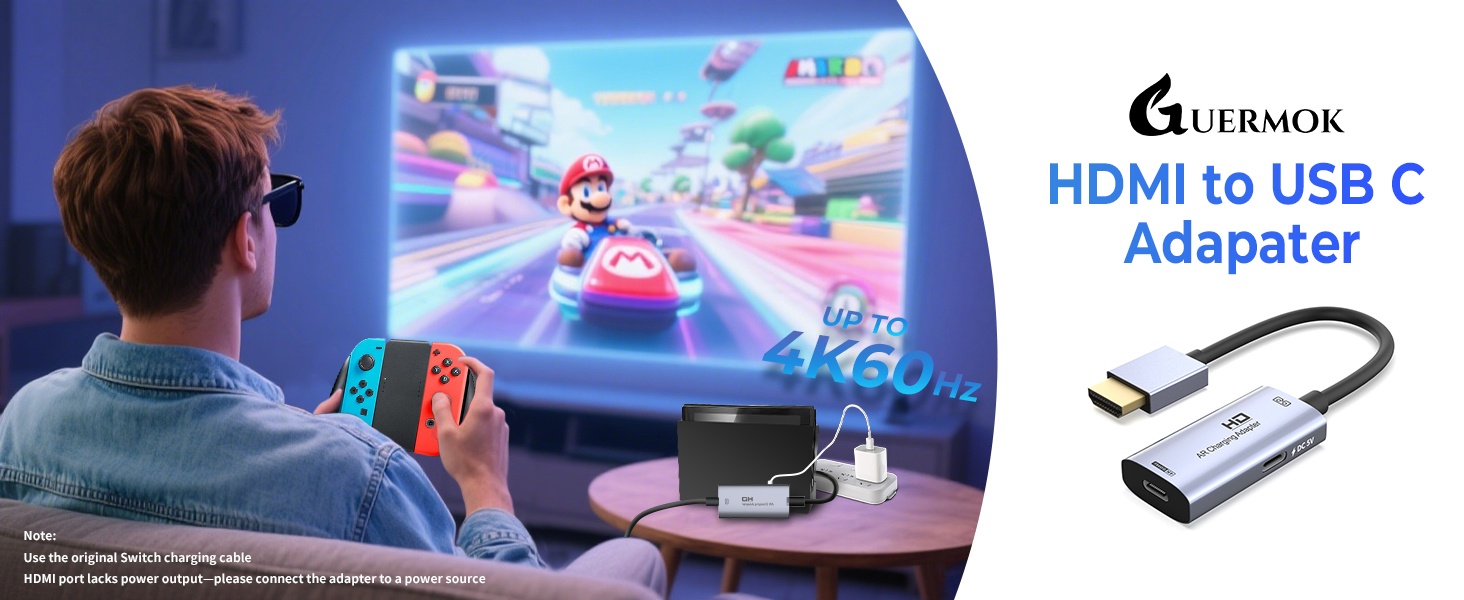
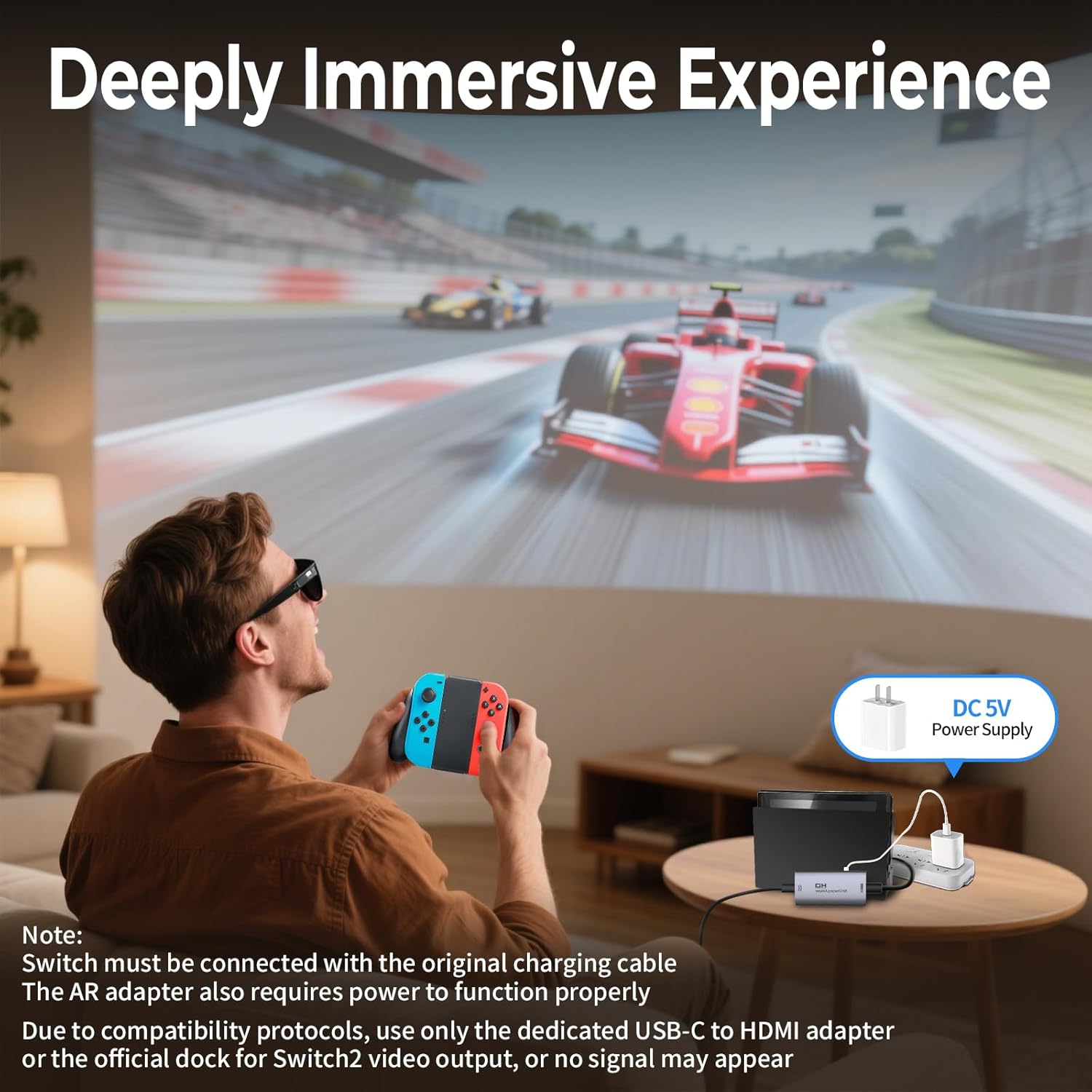
Switch-Activated TV Mode: Use the original Switch power adapter only to power the console. This product requires a DC 5V USB-C power supply—you can use the included USB-C charging cable with a compatible 5V adapter
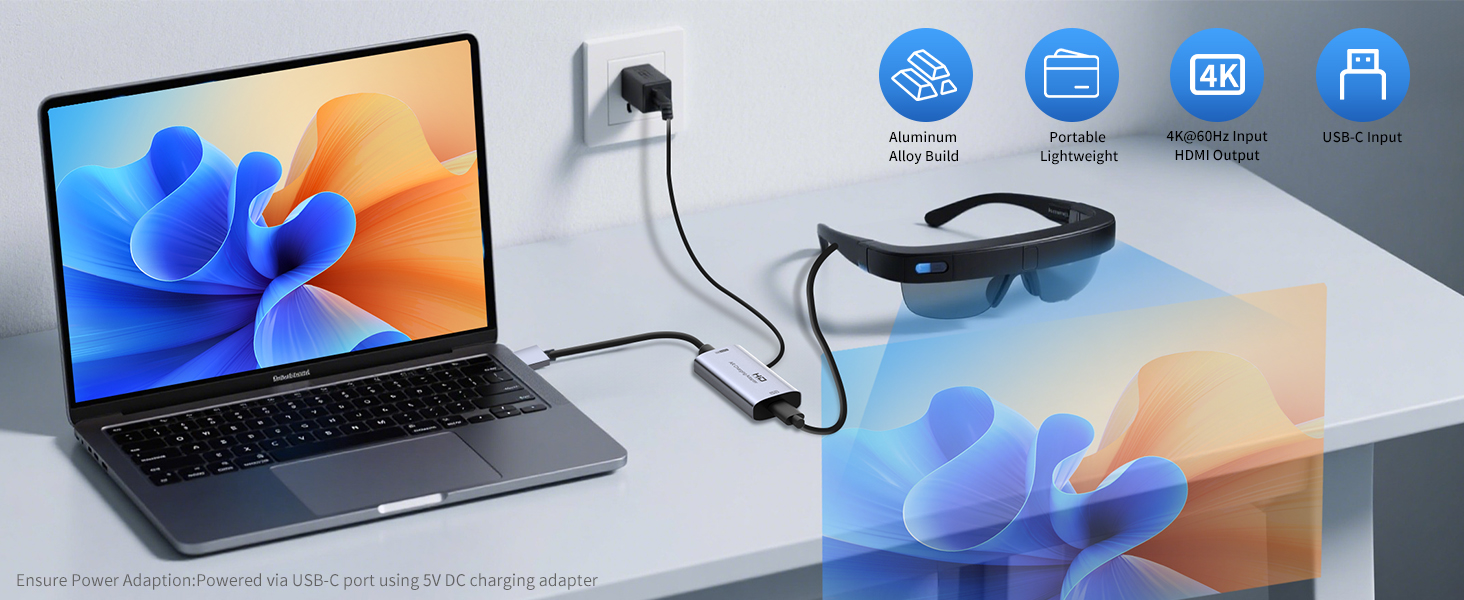
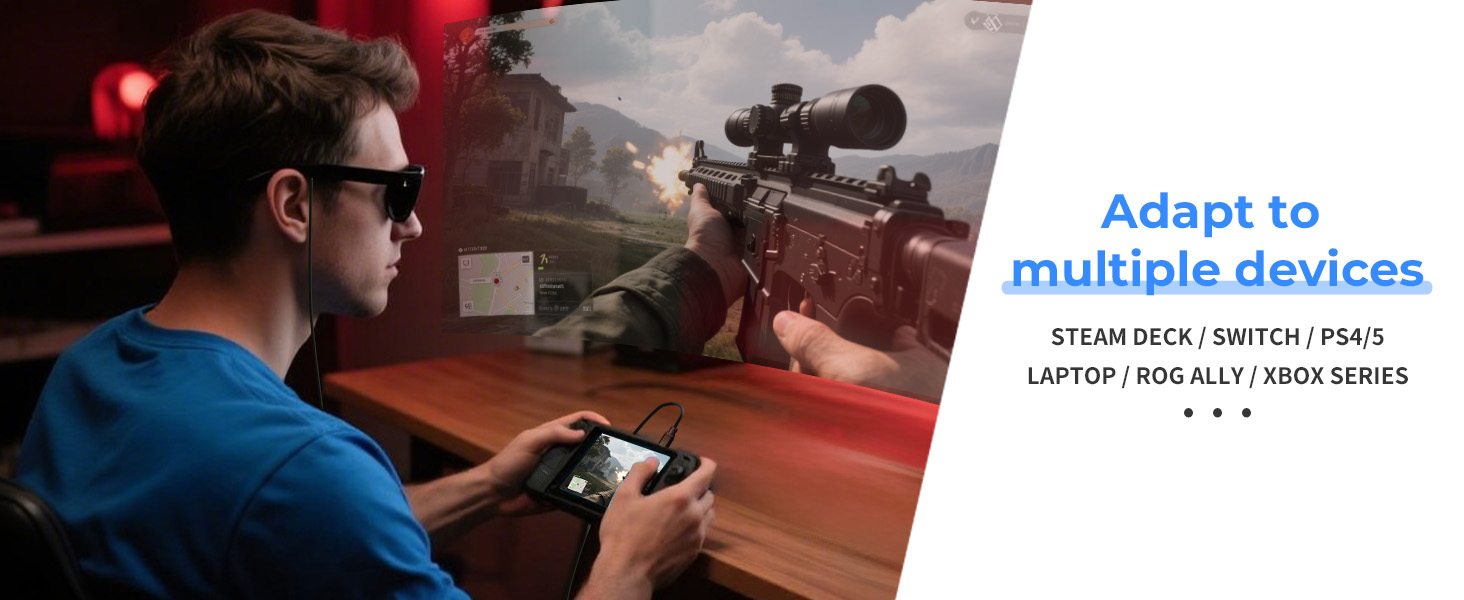

1 Laptop to AR
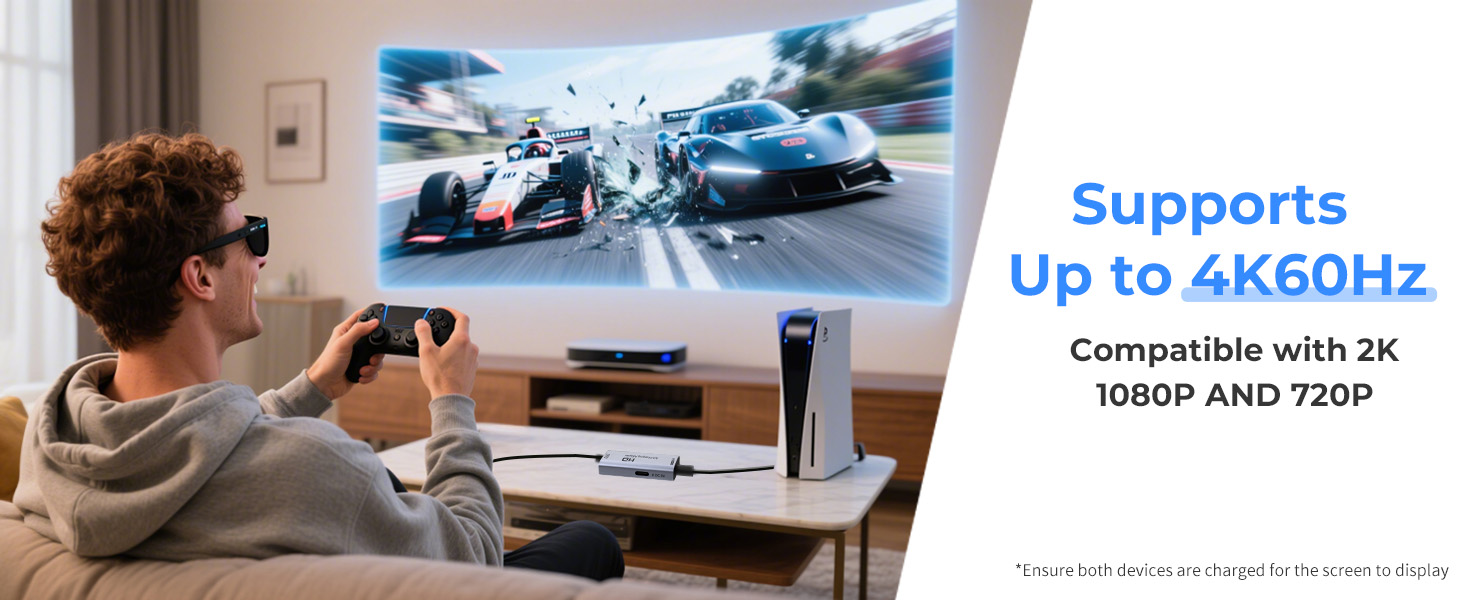
2 PS5 to AR
3 StreamDeck to AR
4 Easy to Use Anywhere
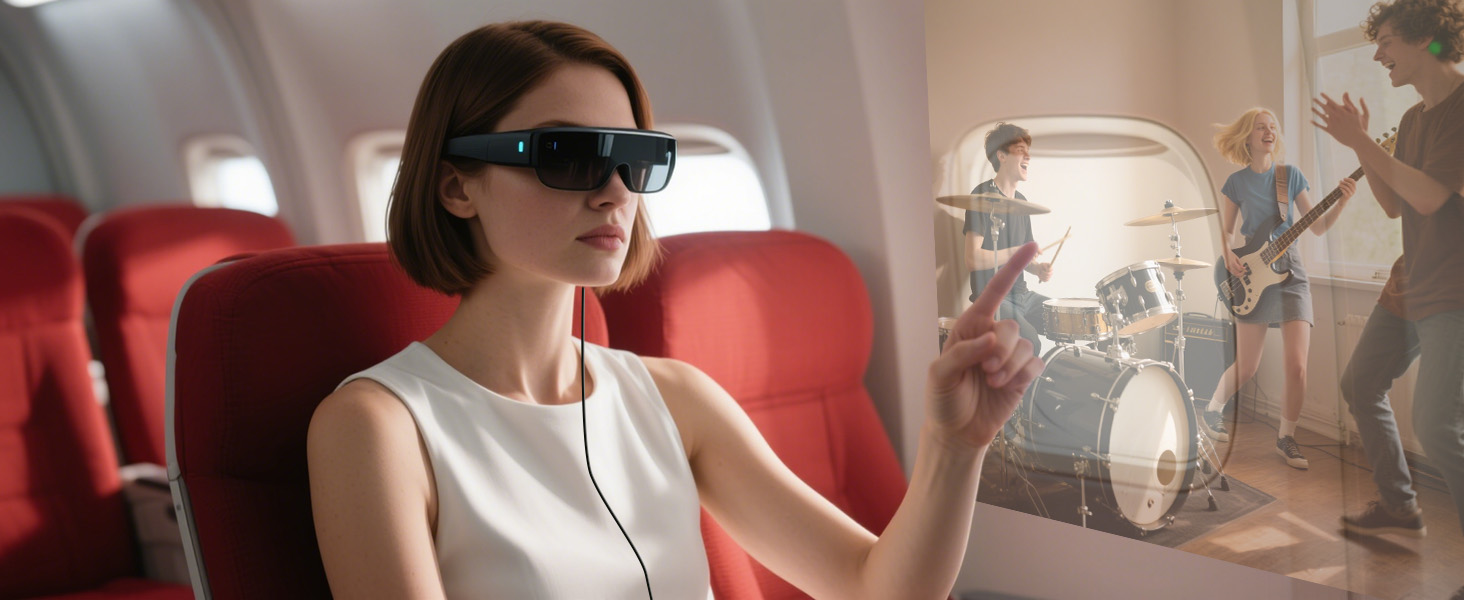 For Watching Movies During Travel
Connect to your AR glasses and stream tutorials, courses, and more
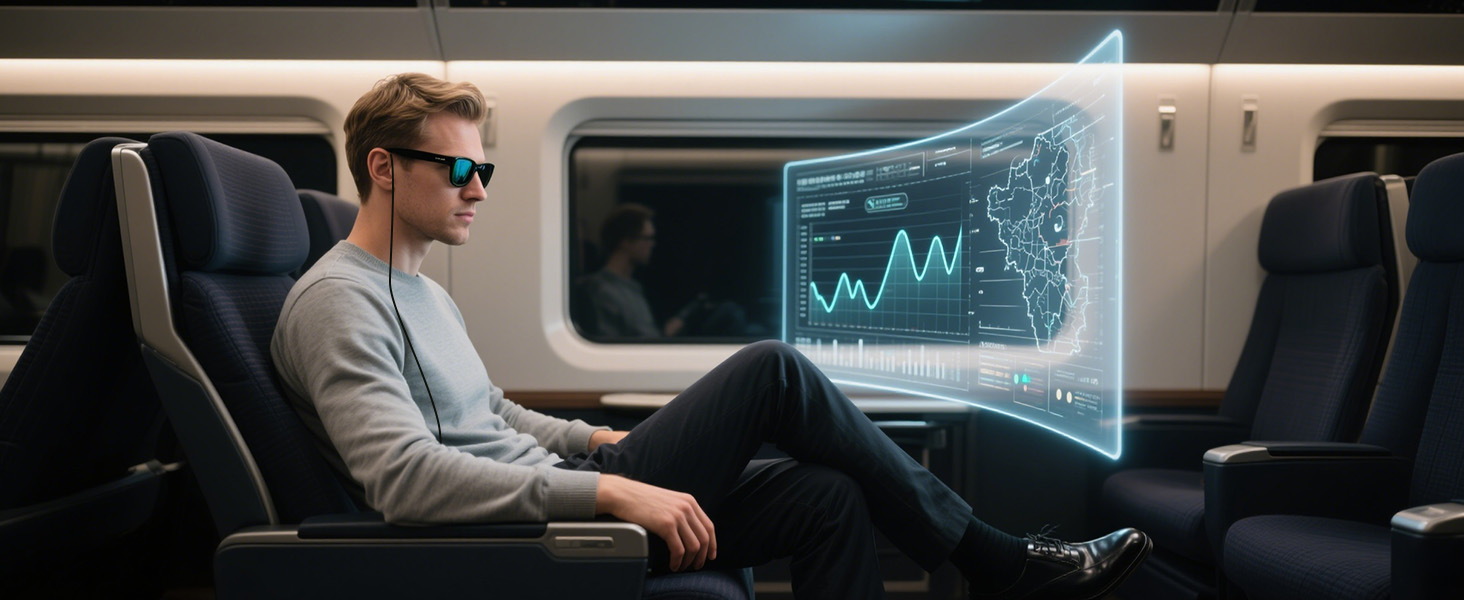 For Learning with AR Glasses on the Go
Turn your travels into a personal theater — enjoy movies anytime, anywhere with your AR glasses
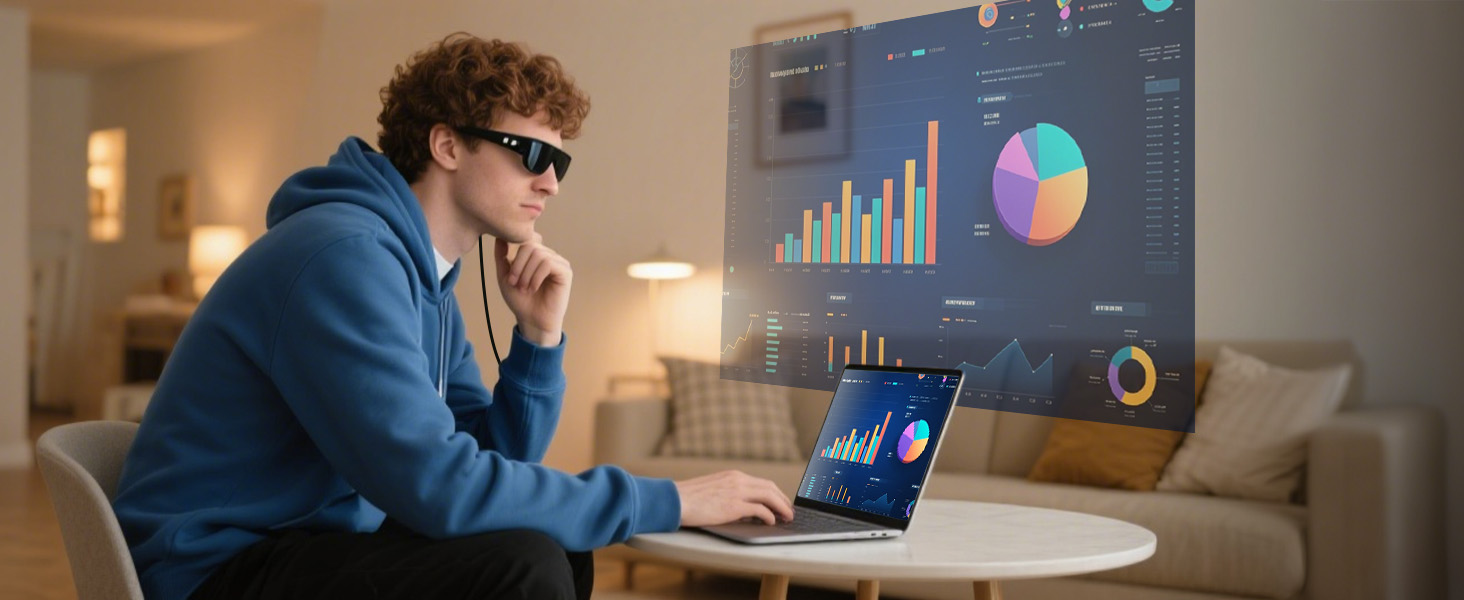 For Dual-Screen or Large-Screen Office Use
Easily link your laptop or monitor for extended displays and immersive multitasking wherever you work
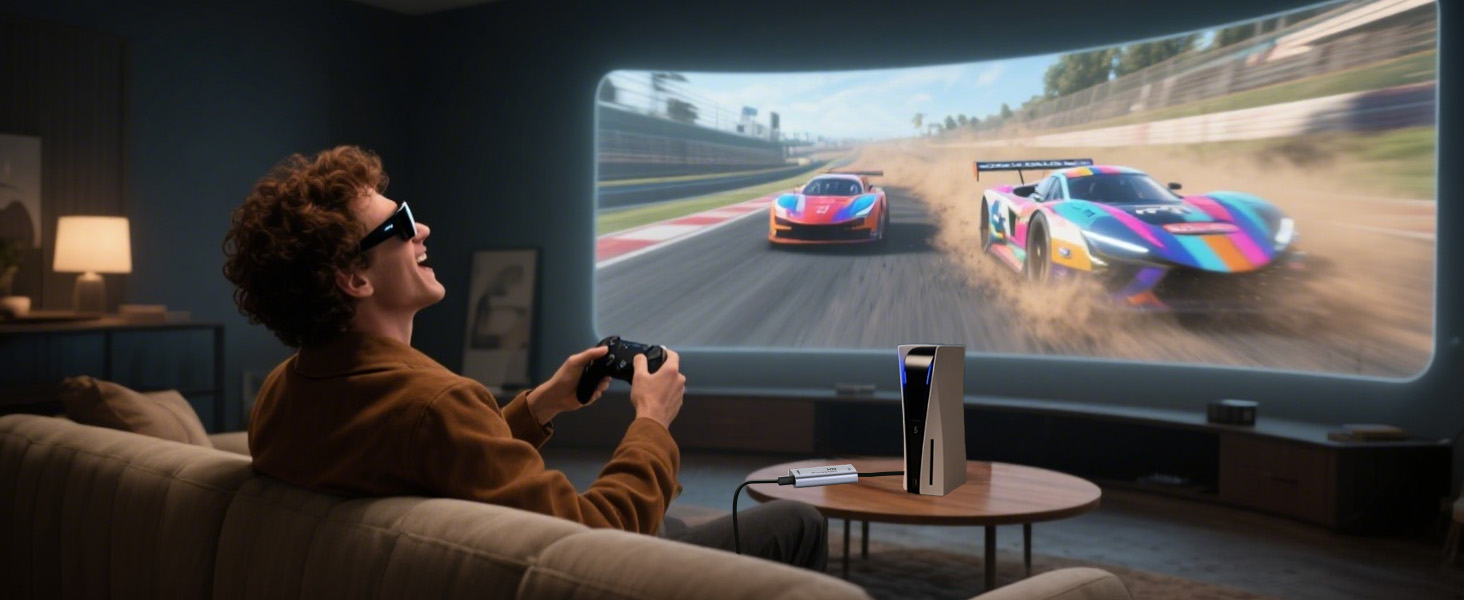 For Mobile Gaming with AR Glasses
Pair your smartphone with AR glasses for a portable, high-immersion gaming experience you can feel
The Type-C DC 5V port is for charging upstream devices like computers, phones, and tablets
Note: Make sure both devices are charged at the same time to enable the screen to display
Note: Make sure the connected HDMI port supports audio and video outputs
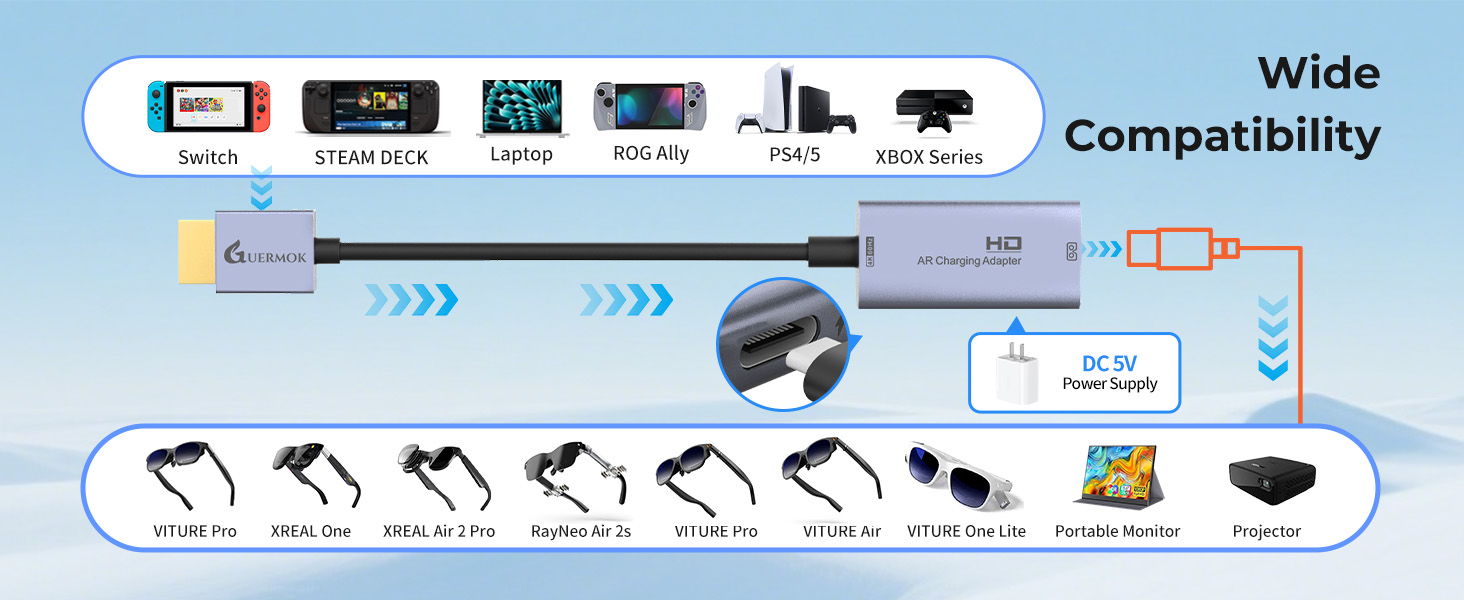
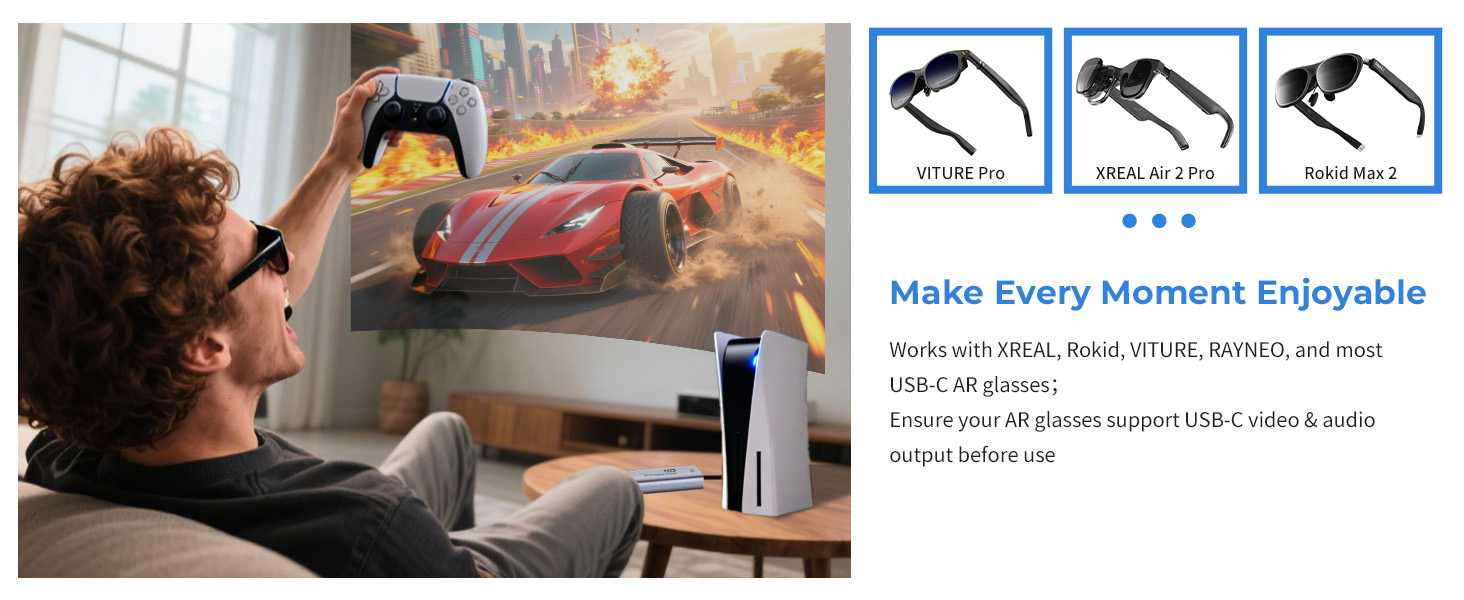
Rokid, Viture, Thunderbird, Rayneo: Ensure AR glasses support USB-C video & audio output before use
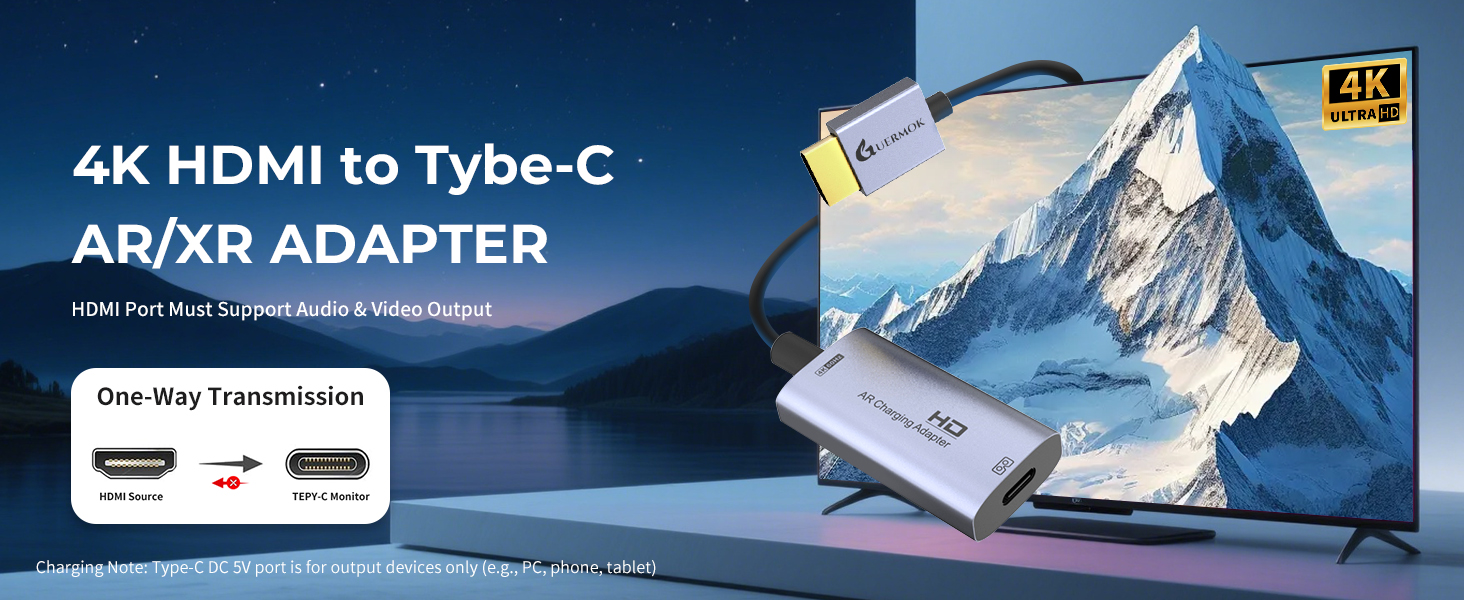
One-way HDMI to USB-C output with 4K support—ideal for AR glasses and external displays
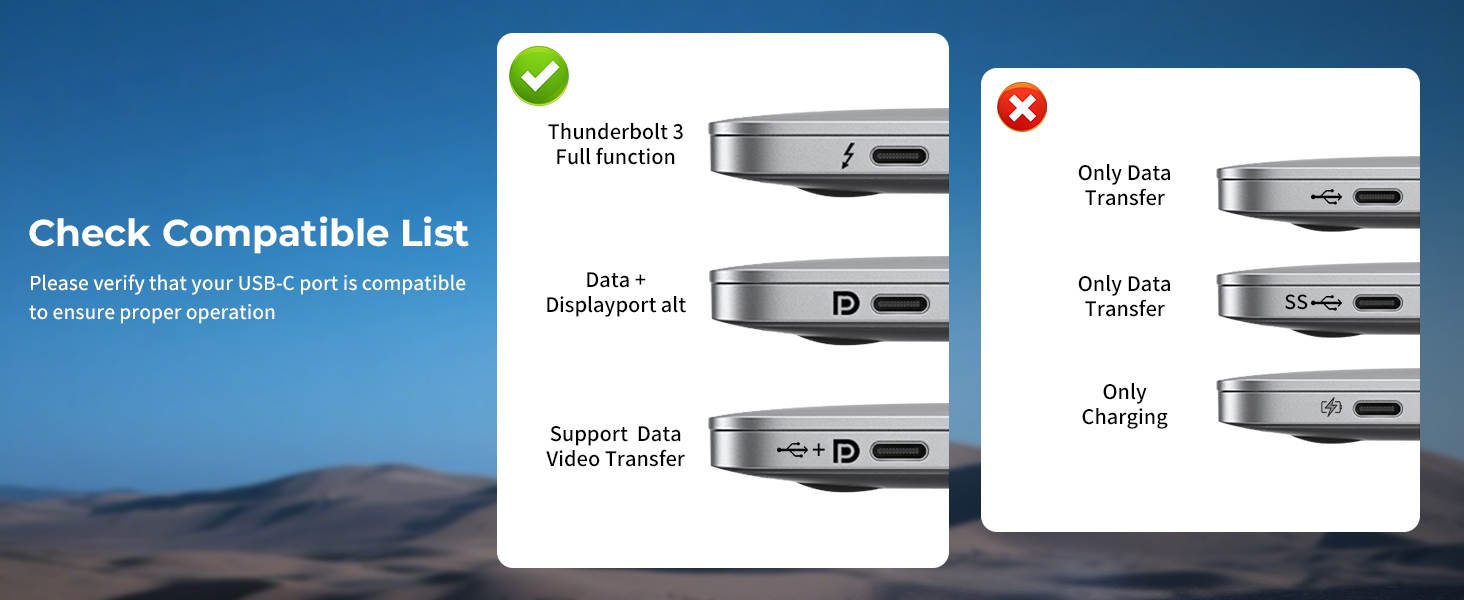
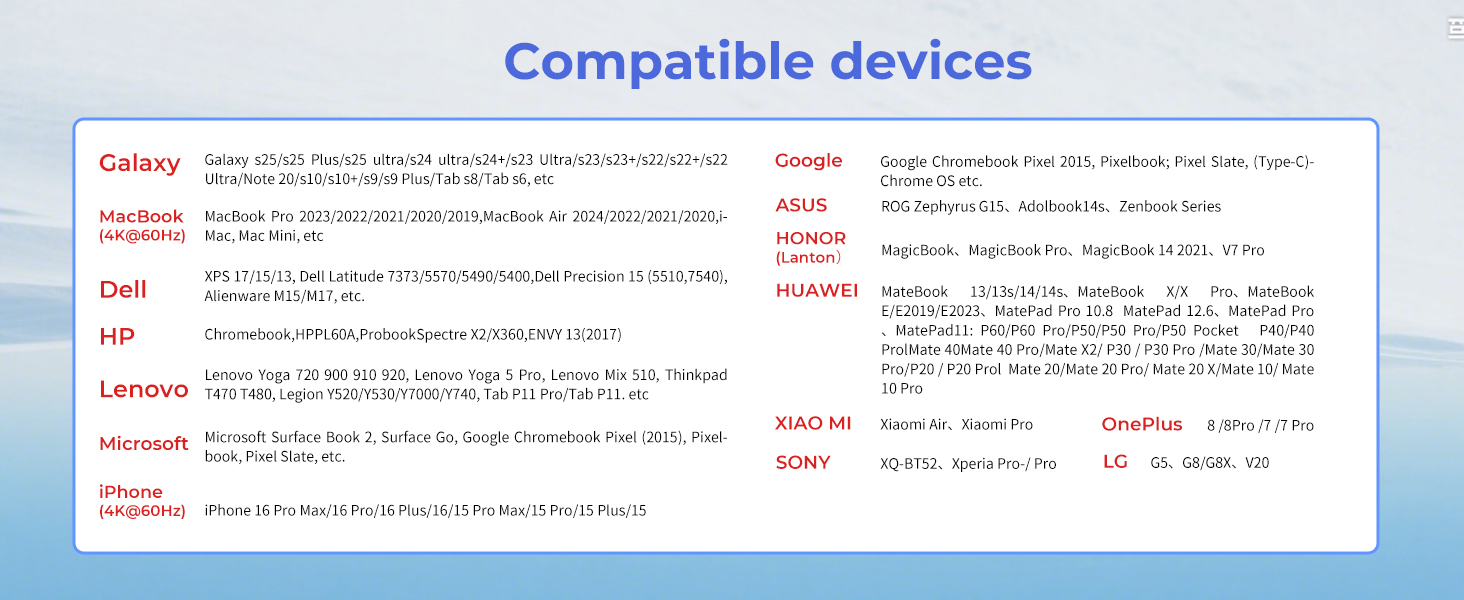
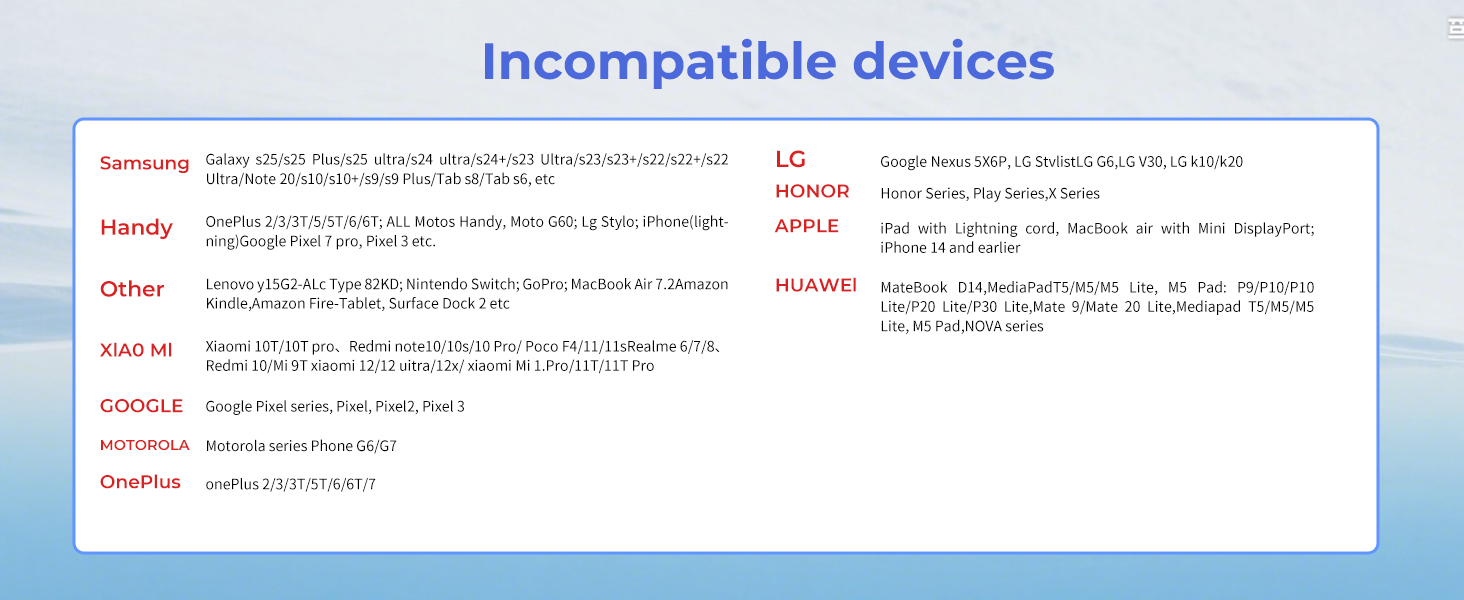
1 USB-C Port Check 2 Compatibility List 3 Incompatibility List 4 Wide Compatibility 5 4K Compatibility
Compatible with a wide range of AR glasses, including XREAL Air 2 Pro, XREAL One, XREAL Air, XREAL Air 2, XREAL One Pro, Rokid Air/Max, Viture Pro/One, RayNeo Air 2/3s and more AR/XR Glasses
Note:
If there is no sound when the USB C adapter is connected to the XREAL Air/Air 2/Air 2 Ultra/Air 2 Pro Series l AR glasses:
1. please update your Xreal glasses firmware to the latest version (update in the Xreal app on your phone).
2. After updating, press and hold Brightness – (one beep) and release; then press and hold Brightness + (two beeps) and the screen will go black briefly while audio and video are displayed.
If there is no sound when the USB C adapter is connected to the XREALI One/One Pro Series:
Please double-click the “X” button: to enter Setup Mode; click the “_” button: to enter Audio Mode to access the audio protocol; and then click the “X” button: to confirm the selection of “DP Mode”.
Nintendo Switch Connection Guide:
1. TV Settings: Select “1080p” for resolution and “Auto” for audio.
2. Connect the HDMI connector to the Switch base. 3.
3. Activate TV mode: Use the original Switch power adapter, or use the included USB-C charging cable and an adapter that supports 15V 3A output.
NOTE: Nintendo Switch is sensitive to power requirements, and TV Mode must be powered by a power source that meets these requirements to function properly. If the screen does not go black, check the specifications of the power adapter.
Guermok AR/XR Glasses Adapter
Add to Cart
Add to Cart
Add to Cart
Add to Cart
Add to Cart
Add to Cart
Add to Cart
Customer Reviews
4.2 out of 5 stars 79
4.2 out of 5 stars 79
4.8 out of 5 stars 20
4.3 out of 5 stars 241
4.3 out of 5 stars 241
4.3 out of 5 stars 241
4.3 out of 5 stars 2,158
Price
$23.00$23.00
$23.00$23.00
$36.00$36.00
$21.00$21.00
$21.00$21.00
$21.00$21.00
$18.99$18.99
Supports Charging
✔
✔
✔
✔
✔
✔
✘
Audio Out Port
✘
✘
✔
✘
✘
✘
✘
Connection Port
HDMI to USB-C
HDMI to USB-C
USB-C to Tybe-C
HDMI to USB-A/C
HDMI to USB-A/C
HDMI to USB-A/C
HDMI to USB-A/C
Charging Power
DC 5V
DC 5V
PD 100W
PD 100W
PD 100W
PD 100W
No
Inppt Port Compatible Devices
Switch,Steam Deck,Rog Ally
Switch,Steam Deck,Rog Ally
Switch,Steam Deck,Rog Ally
Switch,Steam Deck,Rog Ally
Switch,Steam Deck,Rog Ally
Switch,Steam Deck,Rog Ally
Switch,Steam Deck,Rog Ally
Inppt Port Compatible Devices
PS5/4,Laptop,XBOX Series
PS5/4,Laptop,XBOX Series
Laptop,Iphone/Ipad,Legion Go
Switch/SteamDeck/Camera/PS5/4
Switch/SteamDeck/Camera/PS5/4
Switch/SteamDeck/Camera/PS5/4
Switch/SteamDeck/Camera/PS5/4
Output Port Compatible Devices
XREAL One/Pro,XREAL Air/2/Pro
XREAL One/Pro,XREAL Air/2/Pro
XREAL One/Pro,XREAL Air/2/Pro
Quest/Laptop
Quest/Laptop
Quest/Laptop
Quest/Laptop
Output Port Compatible Devices
Rokid Air/Max, Viture Pro/One
Rokid Air/Max, Viture Pro/One
Rokid Air/Max, Viture Pro/One
All in one PC/Computer
All in one PC/Computer
All in one PC/Computer
All in one PC/Computer
Output Port Compatible Devices
RayNeo Air 2/3s etc.
RayNeo Air 2/3s etc.
RayNeo Air 2/3s etc.
Ipad/Imac
Ipad/Imac
Ipad/Imac
Ipad/Imac
Product Usage
Screen transfer to AR glasses
Screen transfer to AR glasses
Screen transfer to AR glasses
Live feed capture in real time
Live feed capture in real time
Live feed capture in real time
Live feed capture in real time
【4K@60Hz Ultra HD for AR Immersion】Supports crisp 4K resolution at 60Hz for vivid, smooth visuals—ideal for AR/XR glasses. Perfect for watching movies, gaming, or mirroring content. Compatible with HDMI sources like Blu-ray players, Fire Stick, and Google TV. Please ensure your AR glasses support USB-C video and audio input before use
【Compact, Sturdy & Clear Usage】Aluminum alloy shell provides good heat dissipation and portability.This HDMI to AR glasses adapter fits easily in your pocket or bag for mobile use. Supports only HDMI (source) to USB-C (display), not bidirectional. Not compatible with headsets or docks. There is no sound during the connection process with the Studio Display. Ensure your AR glasses support USB-C video input (DP Alt Mode) and use certified USB4 or Thunderbolt 3/4/5 cables
【Play & Charge with 5V Power Port】For XREAL Air users experiencing no sound, update the firmware and hold the brightness “+” button until you hear two beeps. The adapter includes a Type-C DC 5V power port to provide stable operation and supply power to upstream devices like laptops or phones. Note: this port does not charge USB-C displays or monitors. Use an external power source if extended or higher power input is needed
【Wide Device Compatibility】Compatible with a broad range of AR glasses, including XREAL Air (formerly Nreal Air), XREAL 2/2 Pro/One/pro/Ultra, Rokid Air/Max, RayNeo Air 2s XR, Thunderbird AR, plus popular gaming consoles like Switch/Switch2, PS4/5, Xbox, Steam, and ROG Ally. Also works with portable monitors, USB-C projectors, Google TV, Fire TV Stick, laptops, desktops, smartphones, and tablets across Mac, Windows, iOS, and Android platforms. Turn your AR glasses into a portable immersive display for gaming, video, and work
【Plug & Play, Low Latency】Just plug and play with this HDMI converter to USB-C for effortless connection to your XR glasses. The aluminum shell provides good heat dissipation and is travel-friendly, making it ideal for mobile setups, AR gaming, or business on the go. Ensure your USB-C device supports HDMI 2.0 (4K@60Hz). Package includes: 1× HDMI to USB-C adapter, 1× User Manual. Note: No cable included
Buy Now