I am a beginner (and hobby) artist, and after recently binge-watching an artist Youtuber who used a tablet, I was inspired to finally get my own and experience drawing digitally (before this tablet I drew with paper/pencil, and played around with drawing apps on my iPhone).
Pros:
– Portable/lightweight
– Battery-free pen
– Cheap
– Easy Set-Up
– Great sensitivity/pen-pressure
Cons:
– Somewhat confusing directions and error message (?)
– Long cord
– Small active area
– Finicky buttons
– Heats up laptop
TLDR: Amazing product with very few flaws (no major/deal-breaker issues). Perfect for beginners or hobby artists that just want to dabble with digital art, but aren't wanting a huge investment.
I'll talk about the cons first: When I very first read the directions, I was a bit confused since it said to install the driver first (with the tablet plugged in ), but in another step, it said to plug the tablet in later (or after you had already installed the driver). I've never used a tablet and didn't want to mess anything up so I panicked a bit and wasn't sure what to do. When I finally did the driver installed and the tablet plugged in, I was greeted with an error message: "key cannot be identified." Panic ensued again and I had no idea what to do and there was no FAQ or already-asked help question to assist me. I'm not exactly sure what happened, but even after the error message (which never really got resolved btw), my tablet still worked! Huzzah.
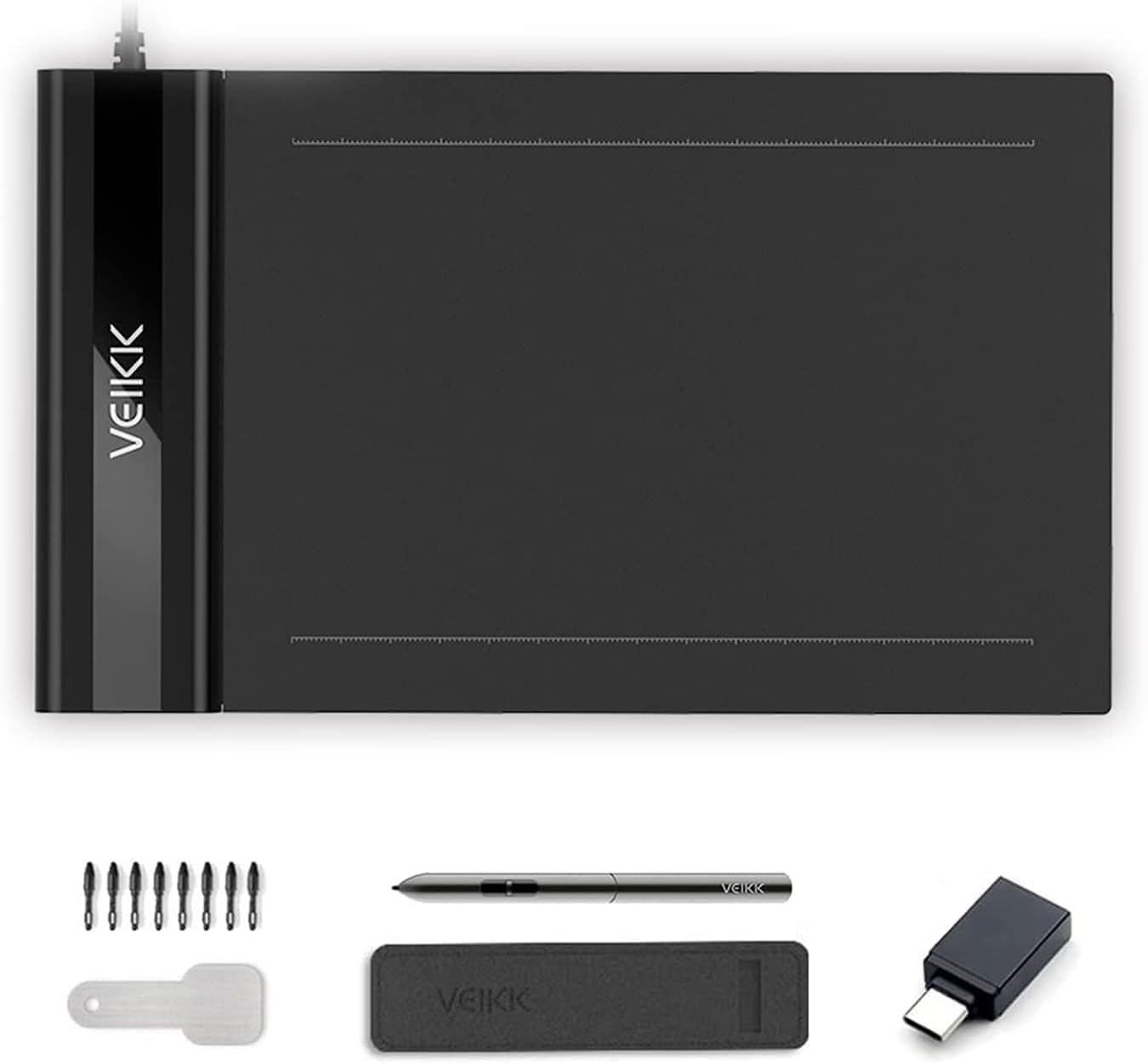
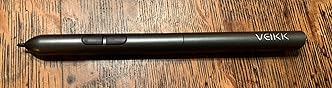
The cord was a little long for my needs (it's about 54 inches). This is a small thing to be a "con", but the cord might get in the way or just be messy (I've kept it wrapped up), but I know it's something that some people may not like. Moving on, the tablet itself has a small active area (for anyone who doesn't know, the active area is simply the part of the tablet that registers the pen and when you can draw on). Granted this is supposed to be a small and portable tablet, so this is something you should expect, it may need some getting used to. I was able to adjust quite quickly to the small area and didn't find it to be too much of a hindrance. The thing that really bugged me was the buttons on the pen. First of all, they don't work all the time? Or you'll activate one (and your tool will turn into an eraser) but if you try to press that same button again, it stays as an eraser and won't switch back unless you keep trying to press the button a few more times. There have already been multiple times where I accidentally press a button and it messes up what I'm trying to do. I've gotten used to where the buttons are now and try to just avoid pressing them, or I'll test it out and just hope it doesn't go whacky on me.
The last con was that my laptop was heating up while I was using the tablet and trying to draw. It was nothing serious and it never overheated or got to the point where I had to shut everything down, but it did worry me a little bit. Perhaps it's because I'm using a laptop and not a desktop/computer, but either way, be careful and just check in periodically with whatever device you're using so that it won't overheat or get ruined.
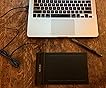
Now for the pros! I was very impressed with how lightweight, yet durable it was! In fact, I was a little scared to press too hard with my pen for fear that I'd scratch or hurt the tablet. But that's not the case, it works really well and is a perfect size for if you want to travel or even put it in your purse/bag. The battery-free pen is also a huge plus! My main concerns with have a pen that DID require charging/batteries was that I'd overcharge it or forget to charge it or it'd be too big etc etc, but with this pen, I don't need to worry about that, so it's one less thing off my mind and of things to do!
Honestly, the price of this tablet was one of the main things that drew me in. I'm a beginner artist who likes to draw in my free time, and even though I really liked the look and would probably have an easier time with say a display tablet, that really wasn't in my price range, nor would I be using it for professional work. I enjoyed all the features of this tablet, and the price was just right for someone who wanted to test the waters with digital art using a tablet, so I'm glad I found this one. Despite what I said in the cons (about confusing instructions and the one stray error message), the set up was relatively easy. All I had to do was install the driver from their website, plug in the tablet, and I was good to go. I'm sure that if I wanted to toggle the buttons (if that's possible?) or add on other features, it'd be more work, but as far as immediately getting set up, it probably took less than 3 minutes.
The final pro is the pen pressure sensitivity! I'm used to drawing by hand, so I was worried my digital lines would look sloppy, too thick, uneven, etc, but I was pleasantly surprised to find that the sensitivity works amazingly. There was an adjustment period where I was drawing too sensitively and it didn't pick up the lines/what I was doing, but that was easy to adjust and get used to.
Overall I'm very impressed with this little tablet and am in love with it. I don't regret buying it and hope that I can make some really amazing art in the future!






Report