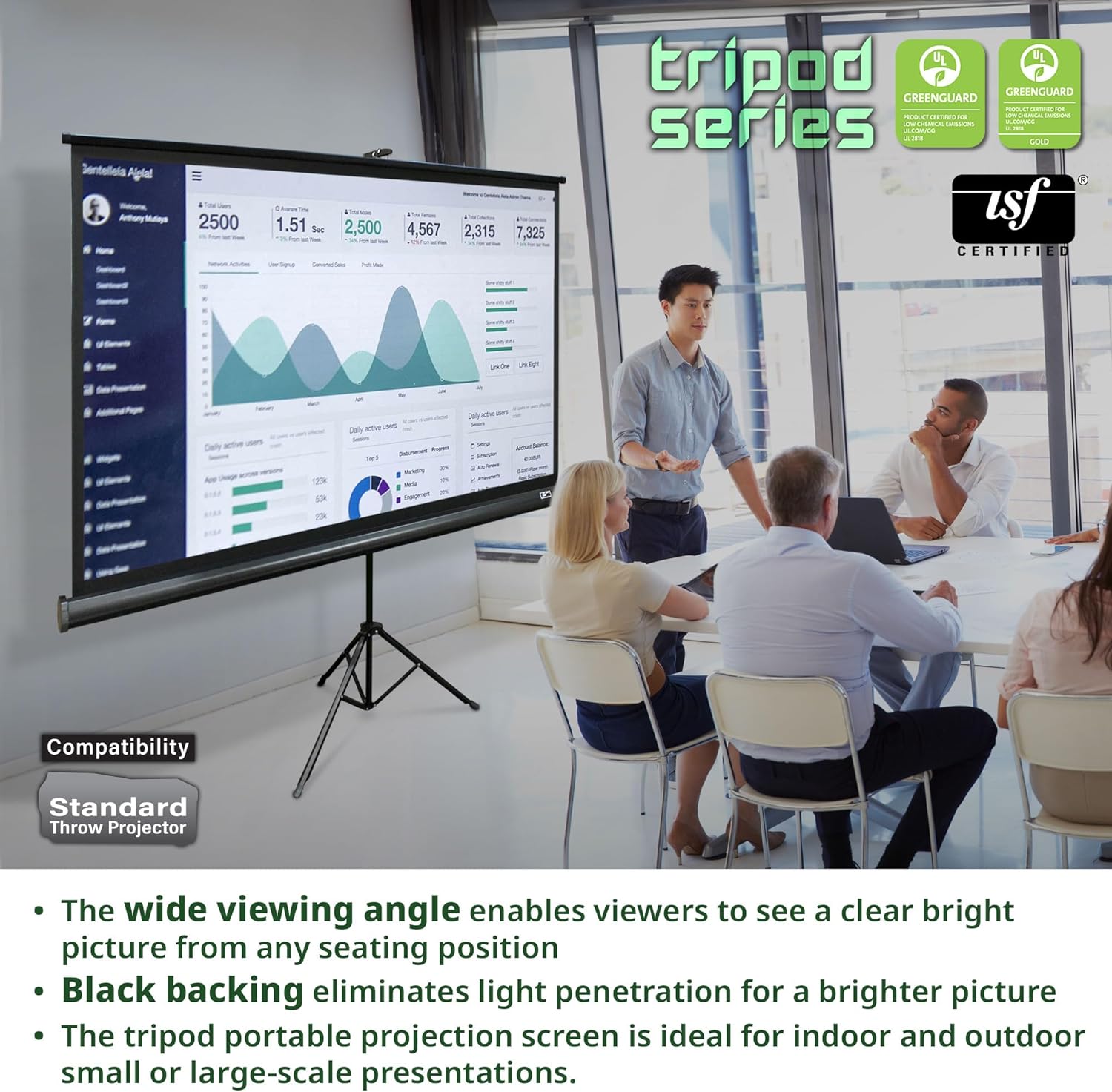
The first thing you'll notice when you set this up is the size – 100 inches diagonal definitely seems much bigger in person than picturing it in your head. I used this in a 50ft long room with a very low-end projector, and I was easily able to see the image from the far side of the room.
The overall build quality is much better than I had expected. It is very sturdy, and as such I can't see it being accidentally knocked over by a passerby. It also folds up to a much slimmer profile than I had anticipated, allowing it to be easily stored in the back of my closet when not in use.
Also a big plus is the footprint of the tripod – this screen's stand doesn't take up a ton of floorspace. This is important to me, as I often need to use this screen very close to a wall. Unlike my previous screen, when I swivel the tripod so that one leg is pointing straight at the viewer, I can scoot the screen very close to the wall – I'd guess around 18 inches or so away. This makes a big difference in smaller rooms, where another foot away from the wall means you'll get a smaller image size in situations where it isn't feasible to move the projector back.
On the negative side, the side effect of this unit's sturdiness is weight – while not surprising given its size, this screen isn't terribly light, and it certainly isn't something you'd want to pay to ship across the country to accompany you on a business outing.
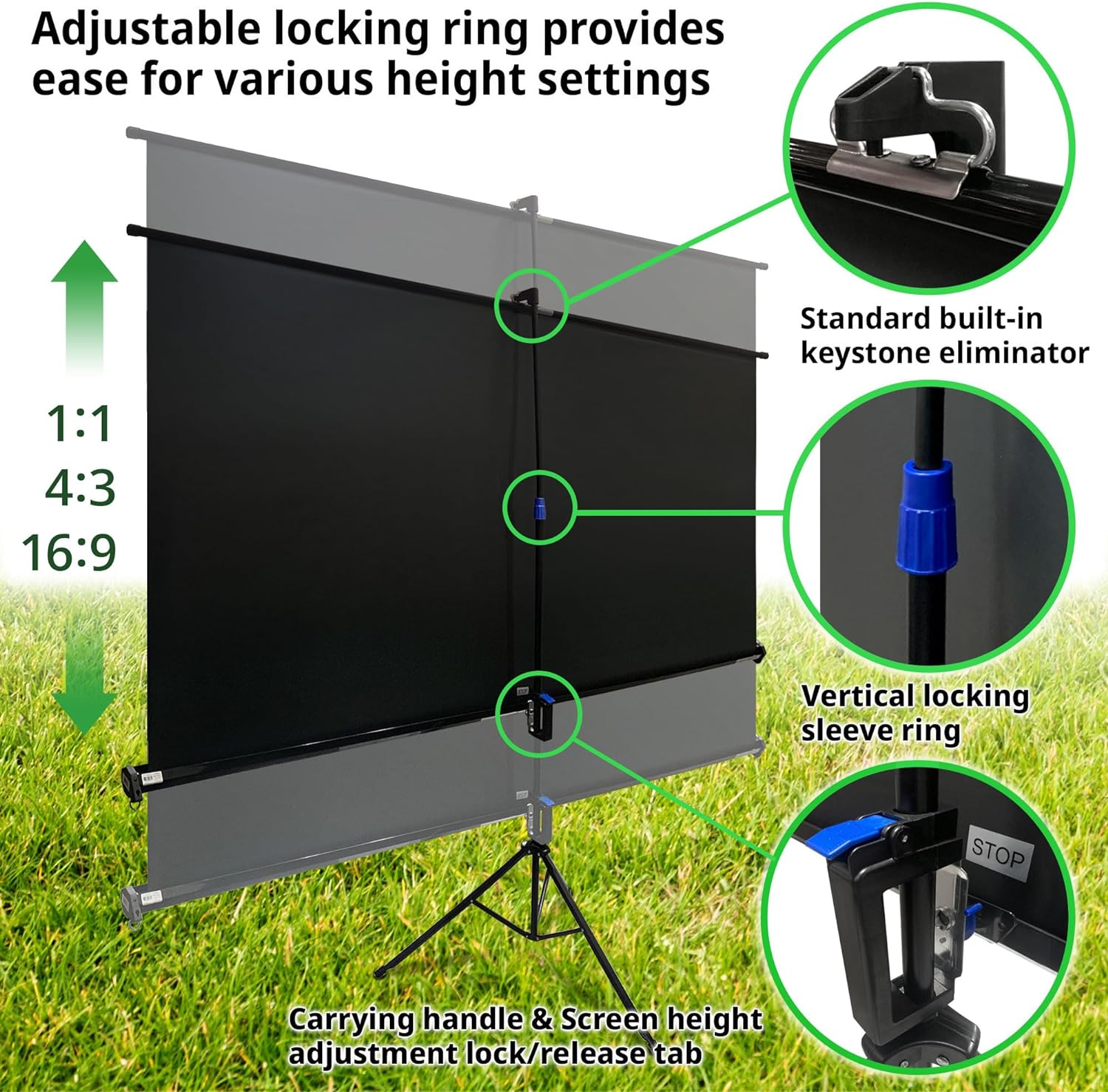
Also, the "keystone eliminator" is just a rod that connects from the central vertical support to the screen, and allows you to angle to entire screen to help offset any keystone issues that occur when the projector isn't set at the right angle. While this does seem to work, it looks quite silly, likely leaving the impression to many that you were simply too lazy to set the screen up straight. Keystone correction should be handled in the projector, not the screen. Luckily, it seems most newer projectors have some kind of built-in keystone correction, so this really isn't an issue.
I've only used this screen for meetings and presentations, and for that the image quality is more than acceptable. I haven't had the occasion to test it with a DVD or Blu-Ray to see how well it holds up for video content, but I suspect it will be fine for an entry-level home-theater setup. That said, if you're looking at this for exclusive home-theater use, you may consider going with a screen that is perforated, so you can place your center channel behind it, rather than underneath.
Overall, I've had a positive experience with this screen, and would recommend it. I may consider buying one of the smaller Elite Screens, if only for more easy transport or use in smaller rooms.









Report