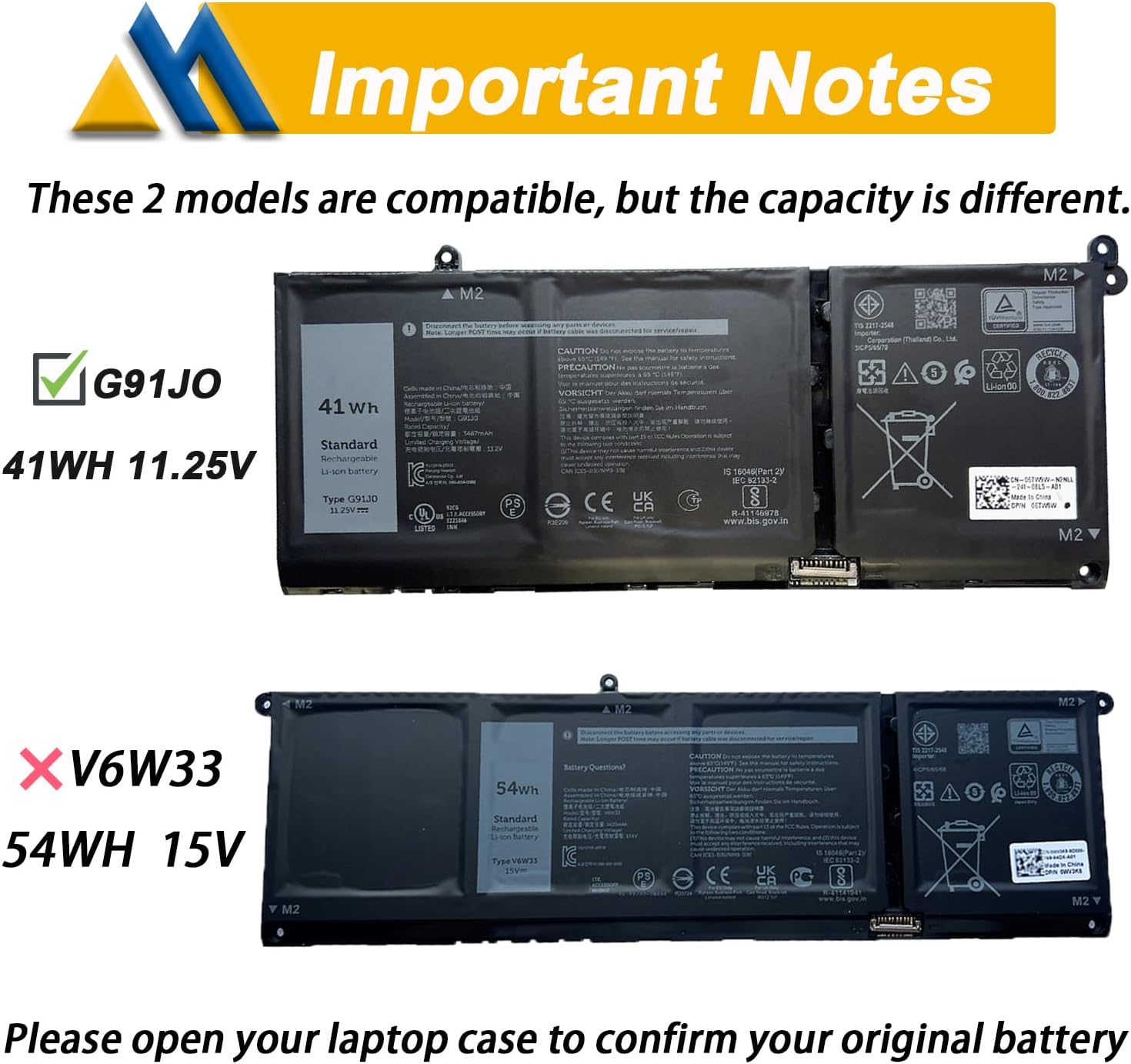
I got this to replace a battery that had less than 70% charge in it.
The replacement process was straightforward and didn't require any instructions, thankfully. If you've ever opened a laptop before and replaced a component (HDD, SSD, RAM, etc.) this was only slightly more challenging. Dell made the process as easy as they could while allowing the laptop to retain a decent size. If you do not have much experience opening laptops and replacing components, using this replacement battery to replace your defective battery may be a bit challenging and you should seek assistance, in my opinion.
I was very glad to have the tools included even though I did not need them, but had this laptop never been opened before, the plastic pick included would have been so greatly needed to ensure the chassis is not damaged by metal tools. I did not use these tools during this process as I have my own and my laptop had been opened before, but greatly to have them included with the replacement battery.
After installing the replacement battery and closing up the laptop chassis and then turning on the laptop, it did take a moment for my OS to notice the new battery. The laptop would not boot without being connected to power and once in the OS, the battery indicated 29% charge and did not move from there for several minutes. After a few minutes, the battery began showing 11% and then climbed to 57% before I turned off the laptop. Checking the health of this laptop in my OS, my laptop reports this has a 98% health rating which is still decent for a replacement battery like this.