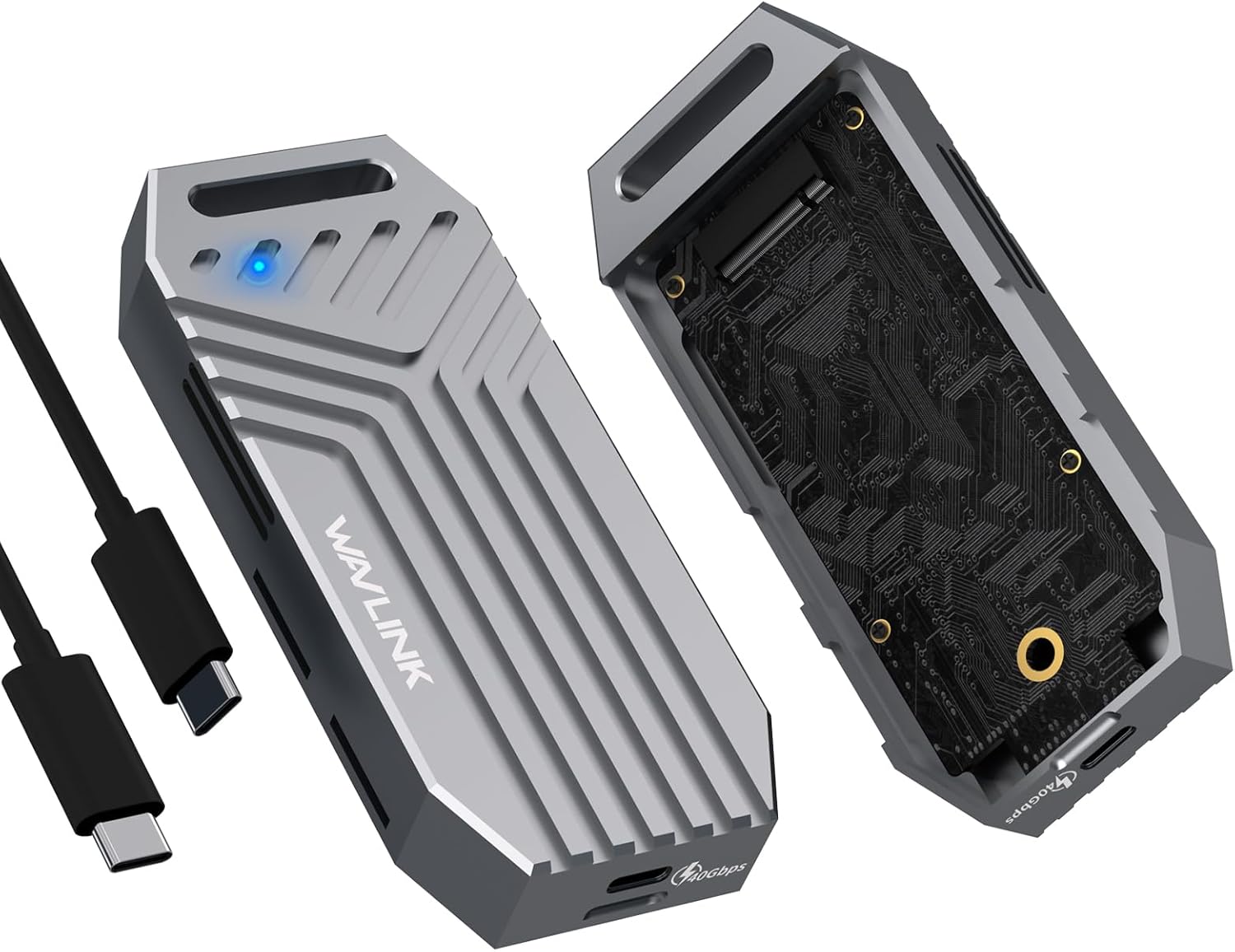
This review is for WAVLINK 40Gbps PCIe NVMe SSD Enclosure. I was looking for a faster and cooler operating NVMe enclosure than Sabrent USB 3.1 enclosure I had been using for years. I really wanted to get a "real" Thunderbolt 4 (*I say "real" since so many listings call USB 40Gbps Thunderbolt 4, but they are different) or Thunderbolt 5 enclosure. I couldn't find a "real" Thunderbolt 4 enclosure, and Thunderbolt 5 enclosures were quadruple the price. So, I decided to go with an NVMe enclosure that had an ASM2464PD chip in it. ASM2464PD is currently the best USB chip to get in an NVMe enclosure. I also only considered enclosures that had fans in them.
I had tried a UGREEN 40Gbps NVMe enclosure prior. It was fast, but you can't slide a cover on that has a thermal pad on it to an NVMe drive. So, I returned that one. This WAVLINK enclosure was in the running with a couple of other enclosures, but the toolless design and lower price steered me towards this one. I've only used it for a little bit so far. It is extremely fast. I did not run any benchmarks, but I did transfer about 40GB of files from it to my PC. The Windows status detail showed it getting as fast as just under 1Gbps. The files transferred in mere seconds, and viewing file thumbnails on the enclosure was instant too.
The enclosure only got slightly warmer than room temp. The fan stays on the entire time. You do hear it, but it's not obnoxious. It's not something I would want to leave connected all the time in a quiet room, and it wouldn't be something I would want to use in a library or study hall. I could just ever so barely feel air movement around the vents. I can't tell if the thermal pad makes contact with the case. They supply a thermal pad and a strip of aluminum to place between the thermal pad and cover. I assume this approach is to solve the issue of the thermal pad being stick and getting stuck to the cover. I don't know if having the aluminum plate between the pad and cover yields a different result vs having just the thermal pad and cover. This of course assumes the plate makes contact with the cover.
The blue LED status light is medium in brightness. It is not obnoxiously bright, but it is easy to see. It also blinks with usage, and it turns off after you do a Windows software eject. So, I find the status light to be perfect.
The toolless cover is quite secure. The cover does not have any play in it. It also stays on very securely, so I am not concerned about it popping off, even in a bag. There is also a large lanyard loop.
I am using this enclosure with a Samsung 980 PRO 2TB NVMe and an Anker Prime Thunderbolt 5 Cable, 3.3 FT.
System Information:
Gigabyte AORUS Z590 Xtreme
Intel i9-11900K
Zalman CNPS9900MAX-Blue
Thermal Grizzly Kryonaut
MSI GeForce RTX 5070 Ti Gaming Trio OC 16GB GDDR7
4 x 16GB G.Skill Ripjaws V DDR4 3600 16-19-19-39
2 x 4TB Samsung 990 PRO NVMe M.2 SSD in RAID 1 Mirror
1 x 2TB Seagate Constellation ES.3 SATA3 HDD
1 x 4TB Samsung 870 EVO 2.5" SATA SSD in a Fideco external USB enclosure for backups
2 x ASUS BD-RE Burner
Corsair HX1200i (2025 ATX 3.1 & PCIe 5.1) 1,200W PSU
Thermaltake Core W100 Super Tower Chassis
Windows 11 Pro
4 x Gigabyte AORUS FI25F 25" 240Hz 1080P IPS Monitor









Report