We have a 3 season room which we actually use in the winter as well off our back sliding patio doors which gets cool in the fall and winter. I saw this BrewVox Carbon Infrared heater being offered through the Amazon Vine program so I ordered it to try.
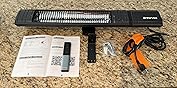
When the heater arrived and I opened the box the heater was well packaged so it did not move. Removing the heater I also found the remote control, a bag of hardware, a "L" bracket for mounting and the instruction manual.
Once I had the heater fully unwrapped I was intensely looking at it for any defects or flaws which none were found. Further examination showed a caution tag attached to something and showing to remove the 2 foam guards that held the bulb in a sturdy state for shipping. Once I removed those I then went to the instruction manual. The manual is short and there are a couple things I would add to it. For one, for cleaning they say "Use a flat-blade screwdriver to take out the front grill line through the entrance on the frame." Both looking at the grill and surrounding area and rereading the instructions several times I still have no clue where to use the screwdriver and how to remove the screen. They need to add a picture for this procedure. I can see a lot of complaints for damage done trying to remove it. The second issue I came across was there is no picture showing how to add or replace the batteries for the remote. Spoiler alert. You need a small Philips (star shape) screwdriver to unscrew the screw on the bottom of the remote and remove the cover to install the batteries. I am sure a lot of people would be questioning how to do this but since I have come across this situation a few times I knew what to do. I then downloaded the app to my phone via the QR Code in the manual. I also think the manual pictures could be a bit darker to better view the phone picture set up. That is just my preference.
I then proceeded to plug in the heater just for testing purposes. Once plugged in and the on/off switch at the right end of the heater was turned to the on position the display showed a power icon as well as a flashing WIFI icon. I pushed the power icon and the display now showed P0 and up/down icons to adjust the temperature from P0-P9. Yes, there are 9 different heat setting on this heater as opposed to others. There was also a timer icon showing that allows you to set the timer. When pushed the digital screen then displays 00 and by pushing the timer button again you can set the timer from 0-24hrs. To stop the timer and clear it simply push and hold the timer icon for 3 seconds. You can achieve the same thing using the remote or the app on your phone. Pairing the heater to your WIFI is simple and as recommended, do this task close to your router.
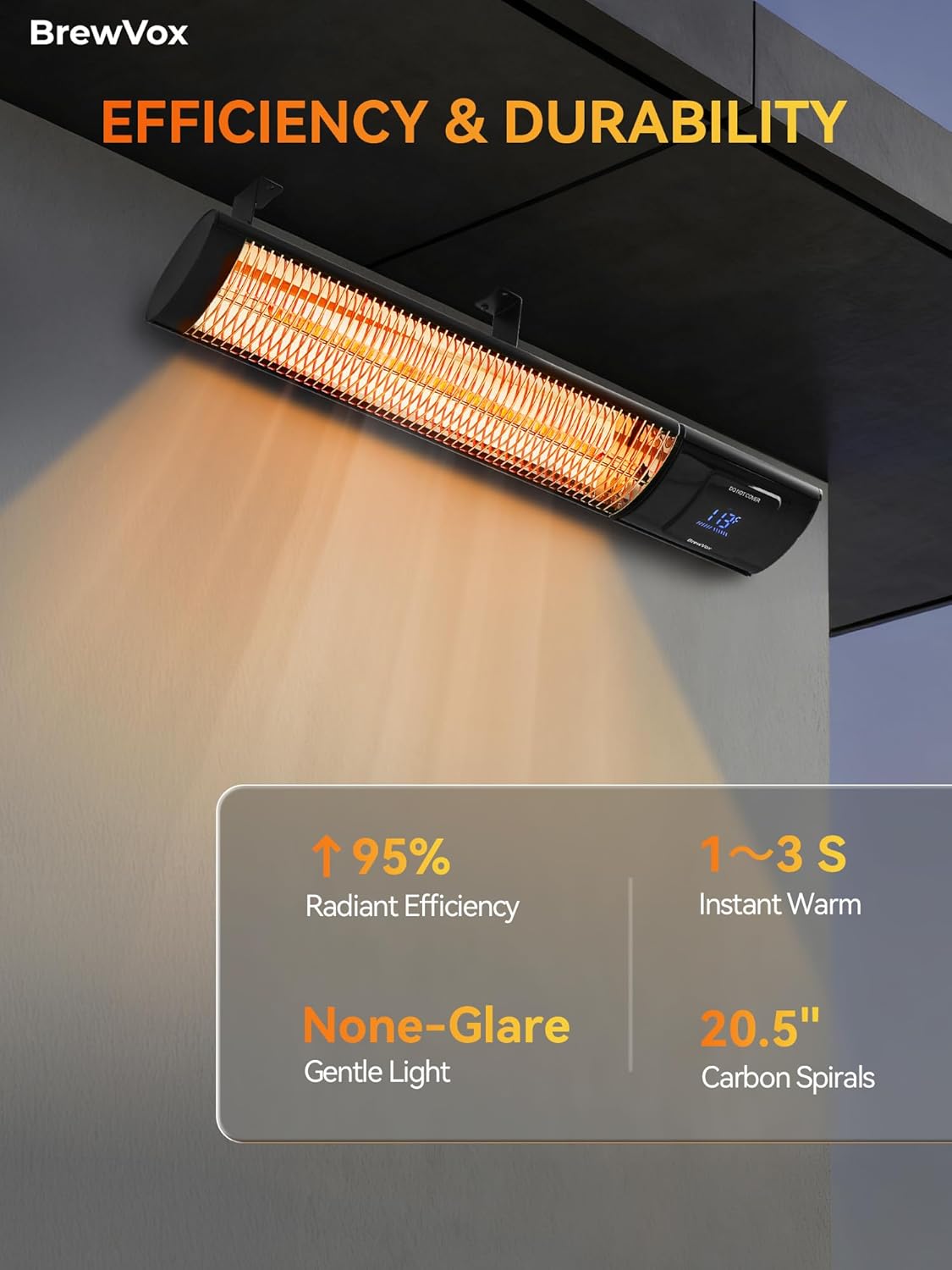
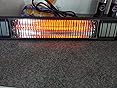
I decide to next try the heat settings from the lowest to the highest. When I first set the temp the heater immediately started to emit heat. There was no pause/delay whatsoever. Changing to the next setting the heat increased immediately again. It did this through all the heat settings. The heater on 5 was substantial standing 5 feet away and at the highest setting the heat was amazingly incredible. Once I mount this up to the wood supports I use in the Florida room for the winter this is sure to cover our sitting area with ease.
This heater is lightweight, has great heating range, and is well built. This would be a 5 star item but I have to deduct 1 star for the above 2 things mentioned.














Report