We have owned this lock for 1 year. (I wrote this review at 2 months, but we still love the lock, and even bought the cheaper code only version for the back door, since we could share the wifi bridge with multiple locks.)
Ok, first of all, installation was a breeze. We were replacing a manual deadbolt, and I'm not even sure we looked at the directions – everything went together without a hitch!
Setup was pretty easy too, though if you set it up from the lock itself, and then you want to use the app, you'll have to reset the lock and start over. But even with setting up, resetting and doing it again from the app, we were up and running in about 30 minutes.
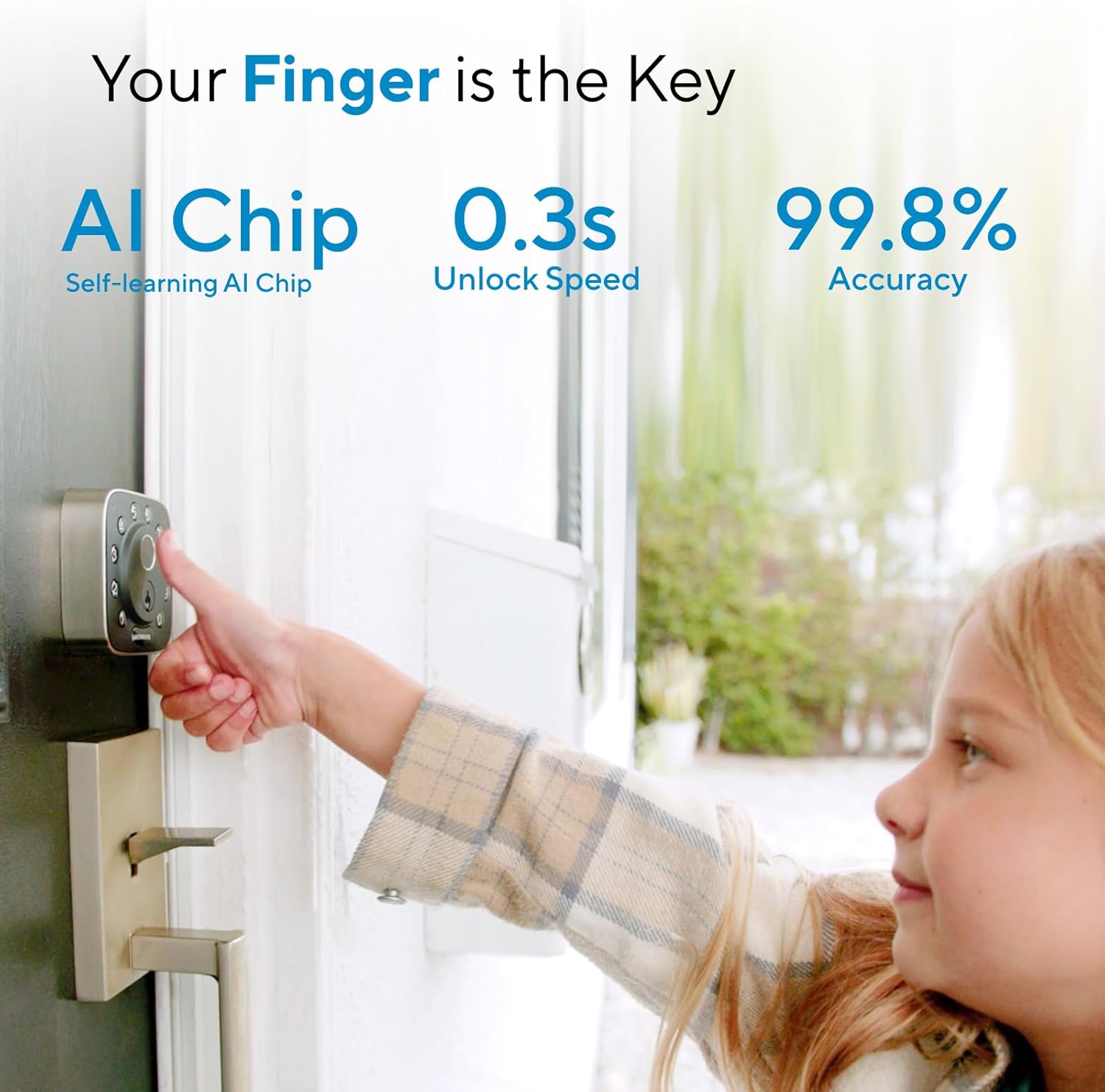
The lock detects my and my wife's fingerprints just fine. My mom, who is 92, not so much. We assumed her complaints about not being able to grip with her finger tips any more was a grip strength issue, not a friction issue, but maybe not – this lock just does not recognize her fingerprints. It allows her to save them, but when she goes to open the door, it rejects her every time. But as she doesn't go out on her own any more, and her code works fine, so it's not a big deal. The fingerprint is more so we can get in quickly if there is an issue, without having to have her key in hand, so it is fine for us.
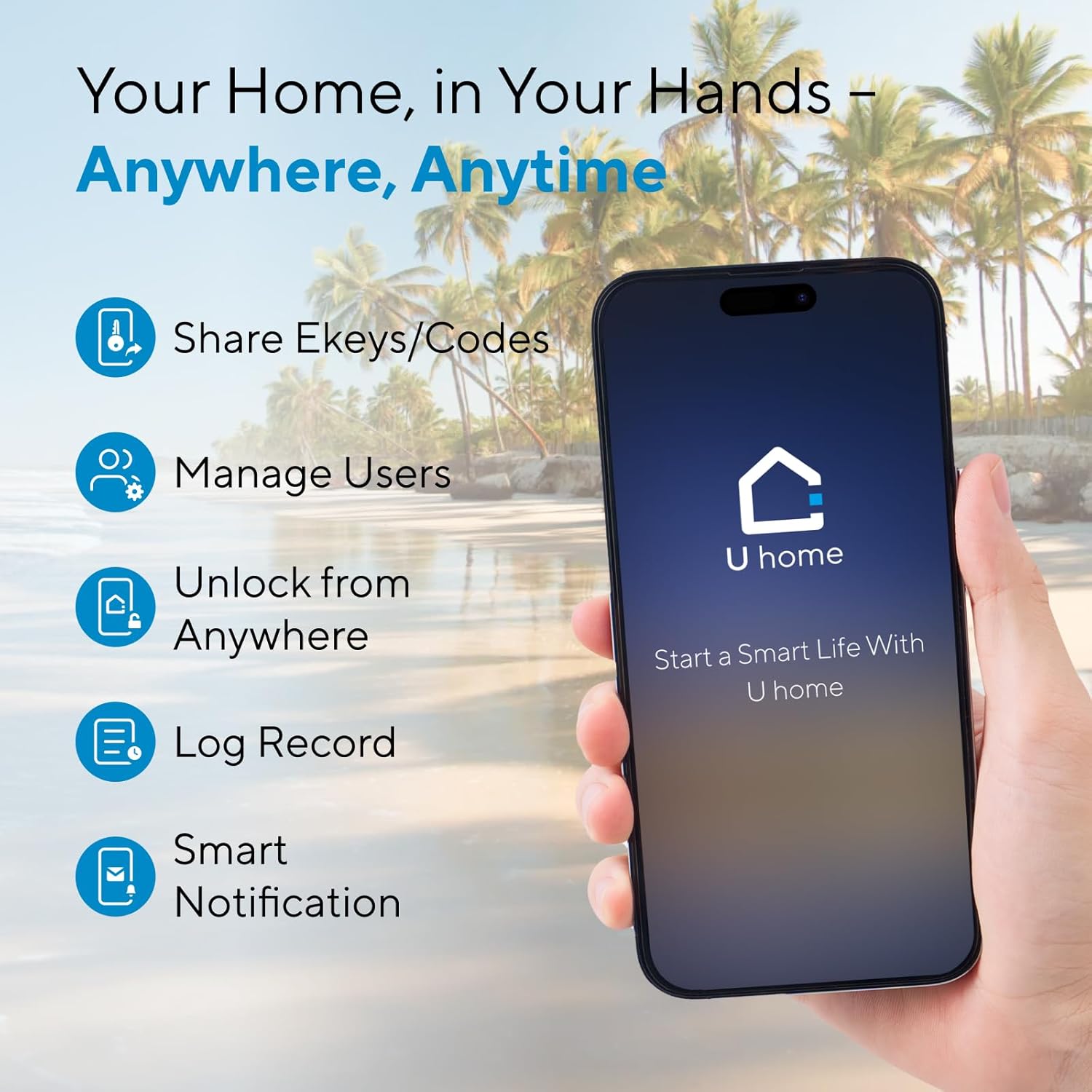
The app is good, and simple to use. Sometimes it doesn't connect on the first try, but it's like it times out too early, as the second try is always successful. There are indicators in the app as to what method it is using to connect, which is good to see what it's trying to do.
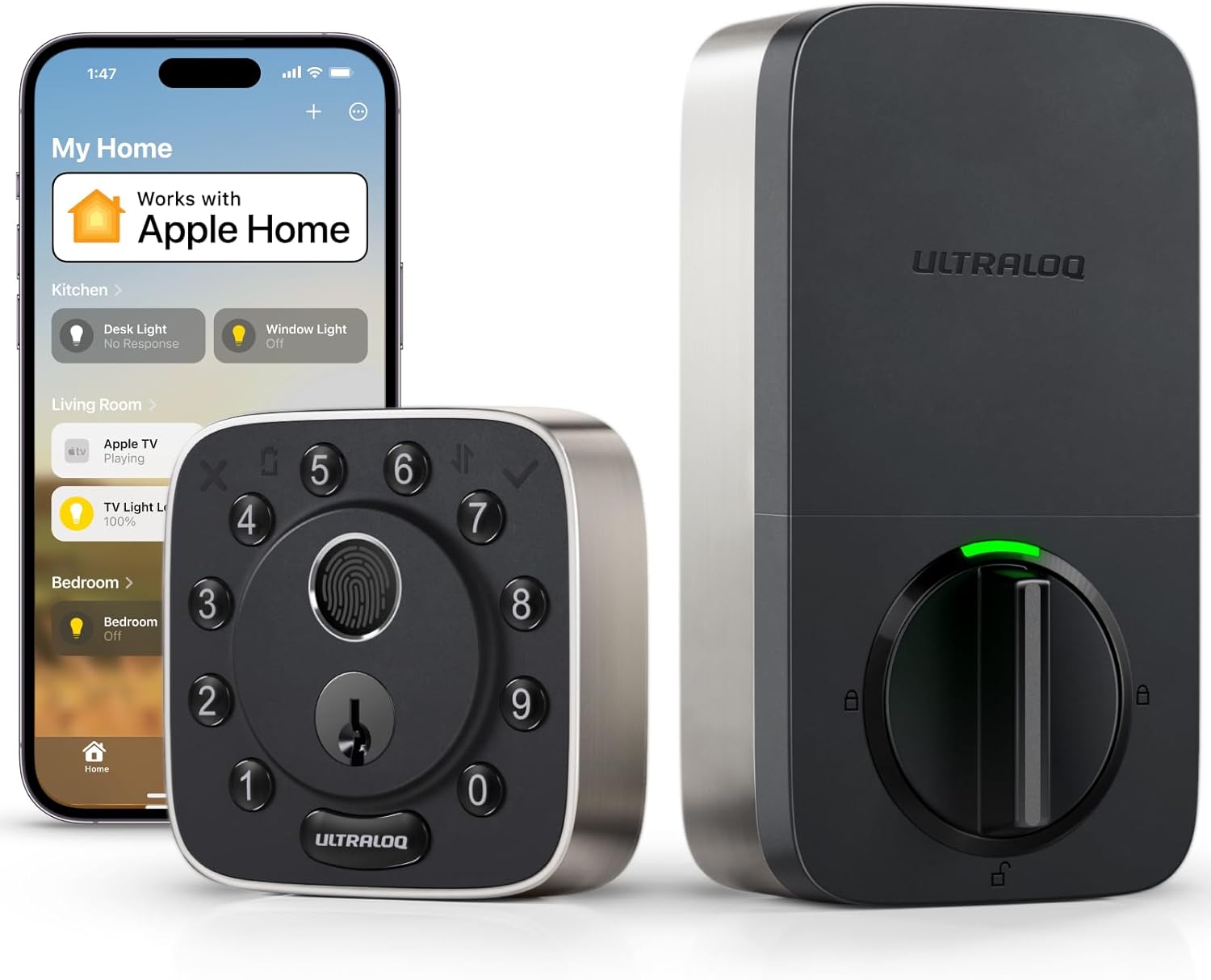
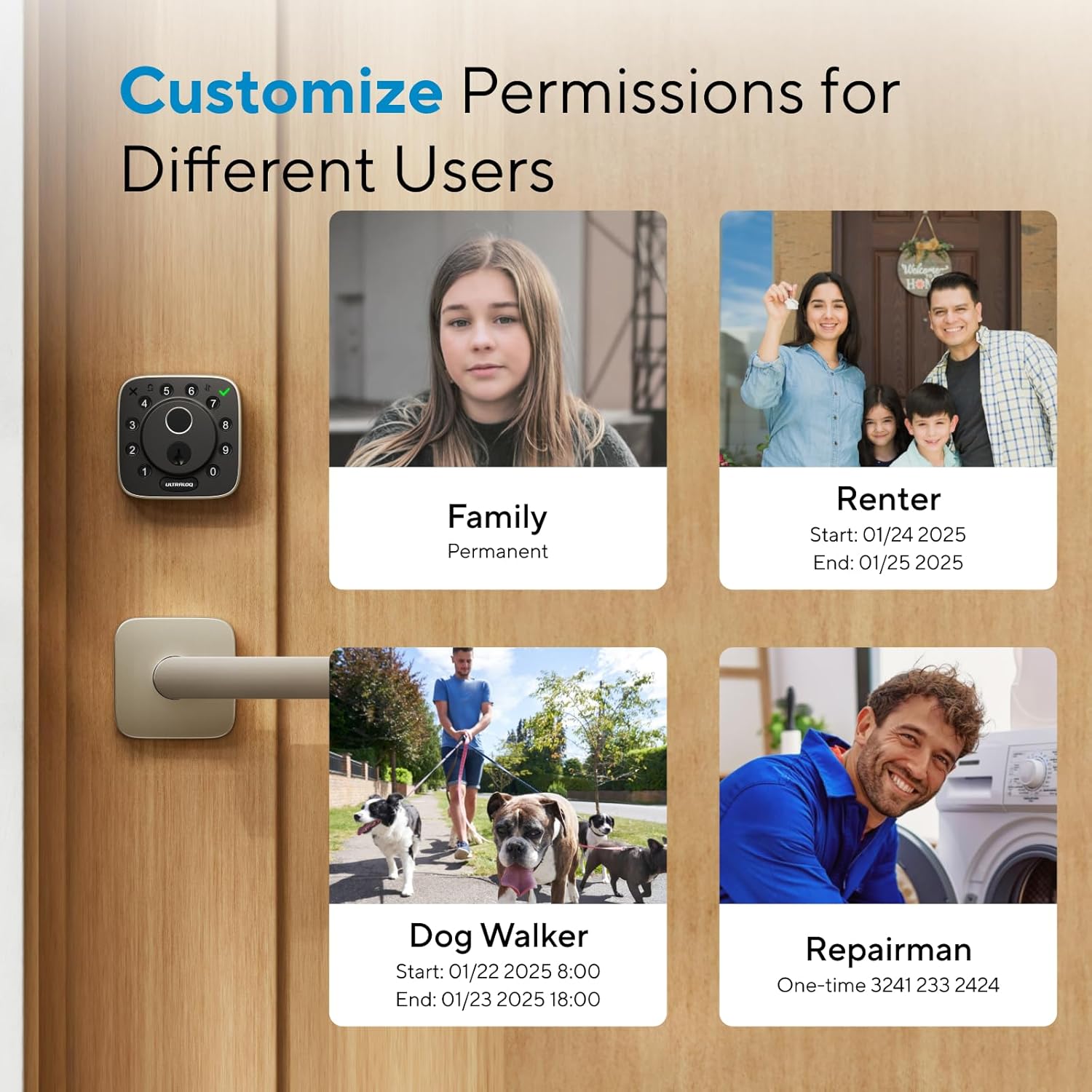
It's very simple to add a user to the lock, and I like that you can choose for each user if they have a code, a fingerprint, or the app, or any combination. Each user is allowed two fingerprints. (I saw another user saying "only two?" but for me, based on height and doorjamb, I really ever only use my thumbs to open the lock, and 95% my left thumb. It's too awkward otherwise.) You can also disable a user without deleting that user. We have a code that is shared with the neighbors if we go out of town, but when we are in town, we disable that user. A user can also have scheduled times or days when it works; for example, you could allow a health worker access between 9 and 12 every weekday, but nothing else outside of those hours and days. You can set up a temporary code for say a repair person, that expires after one use. I've never seen quite so many options on a lock!
The only "connected" service I've tried this with is IFTTT, and I'm disappointed in that. I have motion sensors set up in the house to "see" if my Mom is moving around (in a non-invasive way) and the triggers feed a spreadsheet. I'd like the lock to do the same thing, and IFTTT is set up correctly to do so as it works occasionally. Maybe 1 in 10, but that's generous. I know that it *should* work, because the text notification I get seems to work 100% of the time. So I don't really have a theory as to why the other fails – both are internet based – if one works the other should.
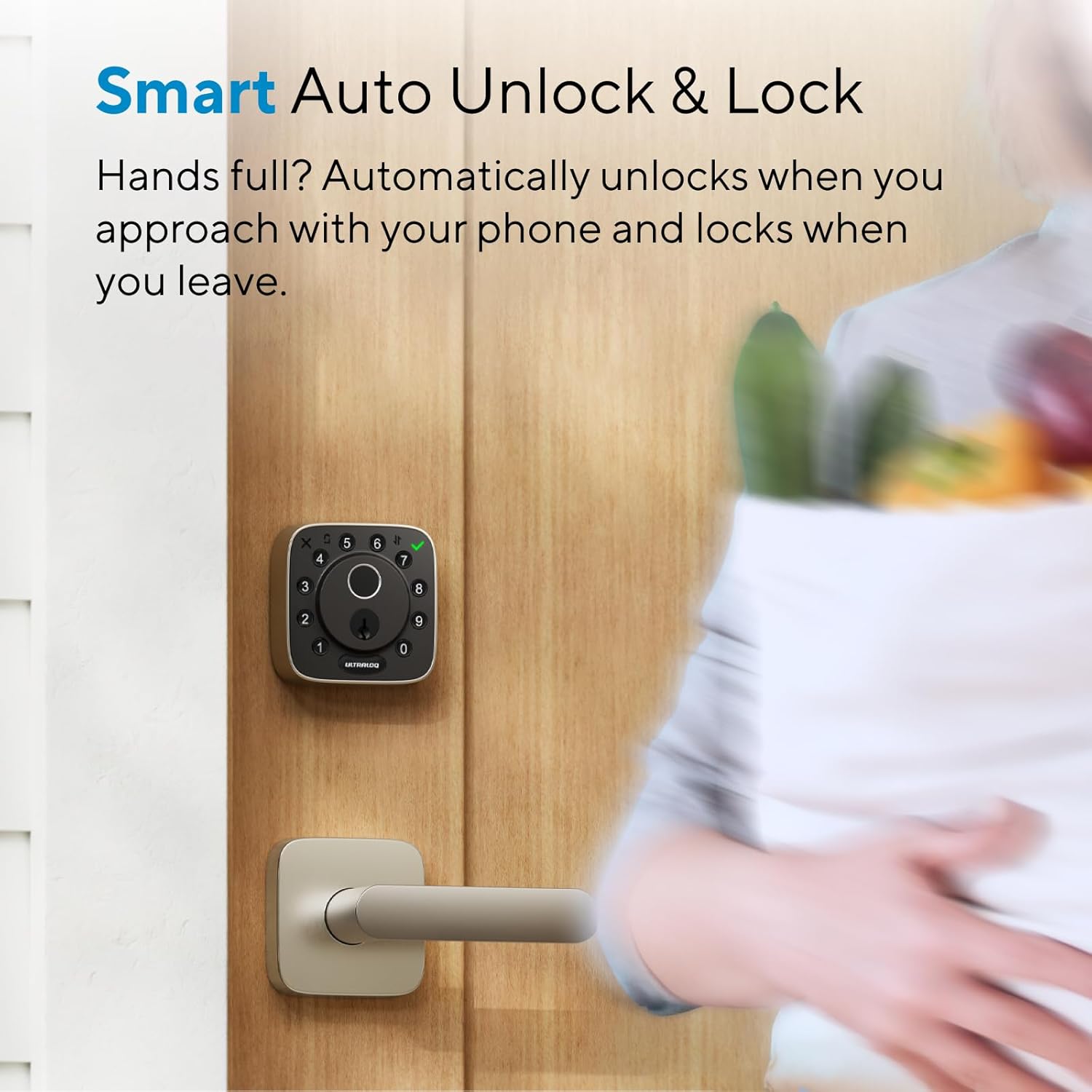
To respond to a few other reviews I saw: It's never given me a "lock jammed" warning. It's never lost its memory on "handing" – whether the lock is installed left side or right side. I don't use the "automatic unlock" feature.
We purchased this lock to give us anytime access to the house without having to find the key, and to allow outside access to the house if necessary – she wears a medical alert device, and now the responders can get in if needed. So everything else is fluff, and we are very happy with this lock!





Report